Wireless Router RNX-EasyN4 User Manual
Type: Specify the direction of packets. Upload, download or both.
IP range: Specify the IP address range. You could also fill one IP address
Protocol: Specify the packet type. The default ALL will put all packets in the QoS
priority Queue.
Port range: Specify the Port range. You could also fill one Port.
Policy: Specify the policy the QoS, Min option will reserve the selected data rate in
QoS queue. Max option will limit the selected data rate in QoS queue.
Rate: The data rate of QoS queue.
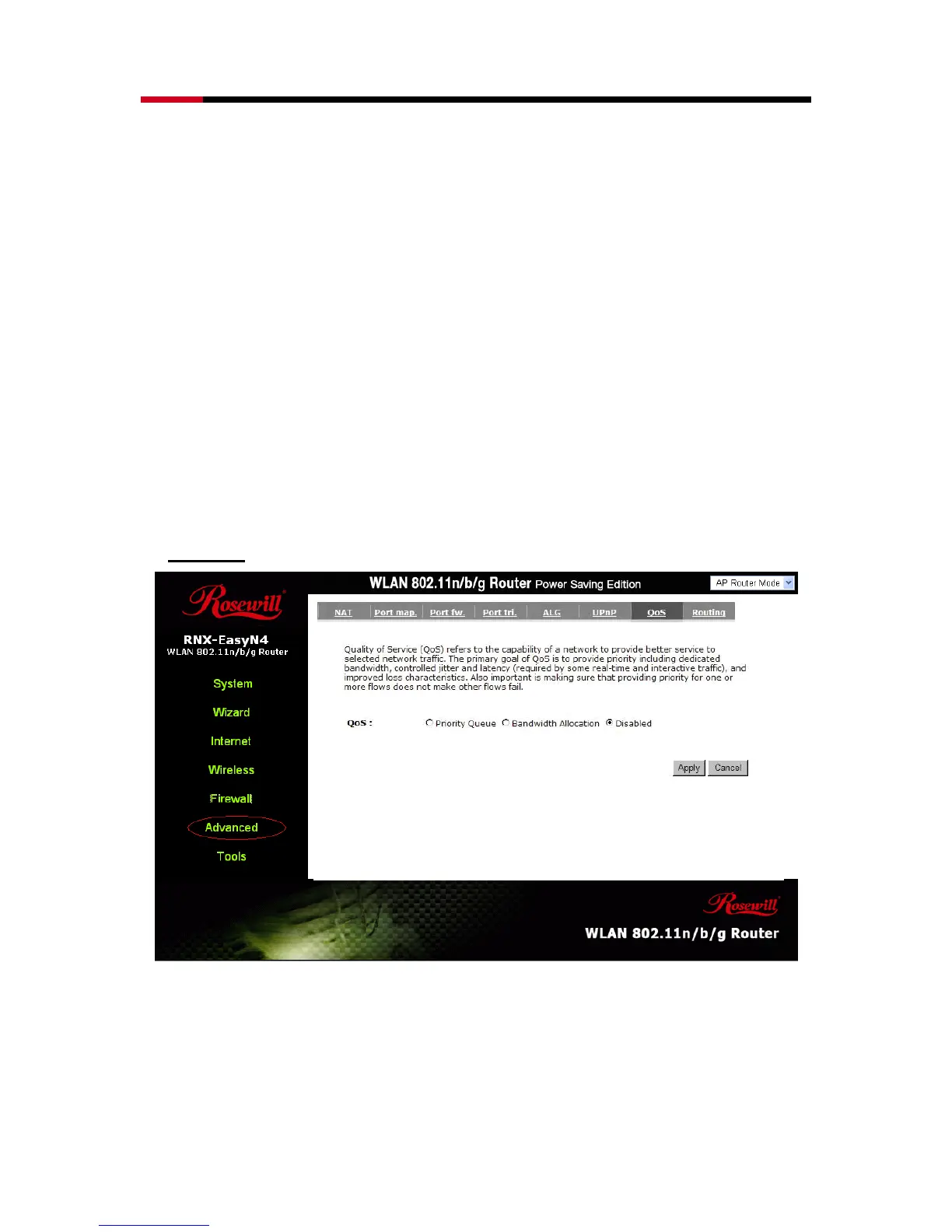
Disabled:
This could turn off QoS feature.
- Routing
You can set enable Static Routing to let the router forward packets by your routing
policy.



 To Next Page