Wireless Router RNX-EasyN4 User Manual
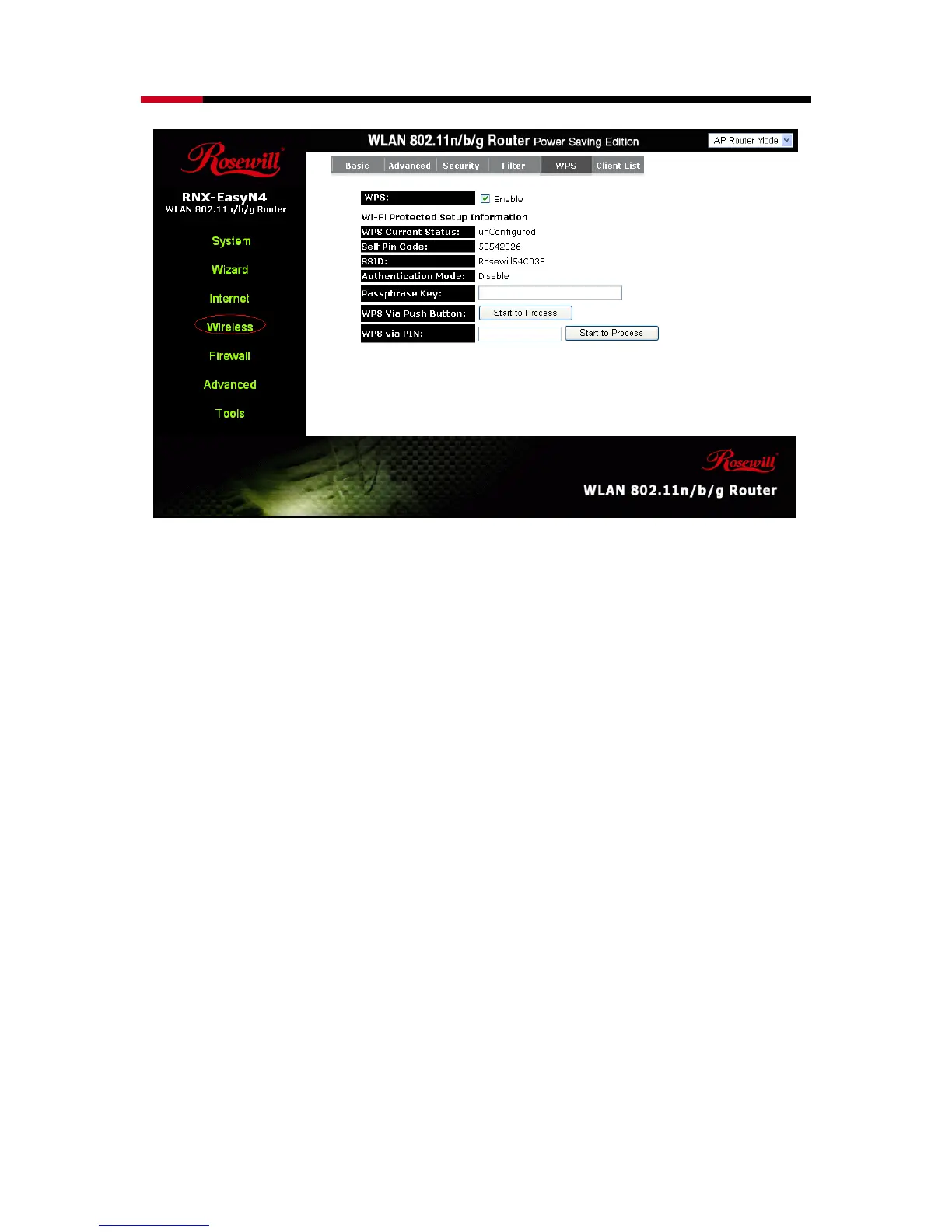
WPS: Check the box to enable WPS function and uncheck it to disable the WPS
function.
WPS Current Status: If the wireless security (encryption) function of this wireless
router is properly set, you’ll see a ‘Configured’ message
here. Otherwise, you’ll see ‘UnConfigured’.
Self Pin Code: This is the WPS PIN code of the wireless router. You may need this
information when connecting to other WPS-enabled wireless
devices.
SSID: This is the network broadcast name (SSID) of the router.



 To Next Page