Wireless Router RNX-EasyN4 User Manual
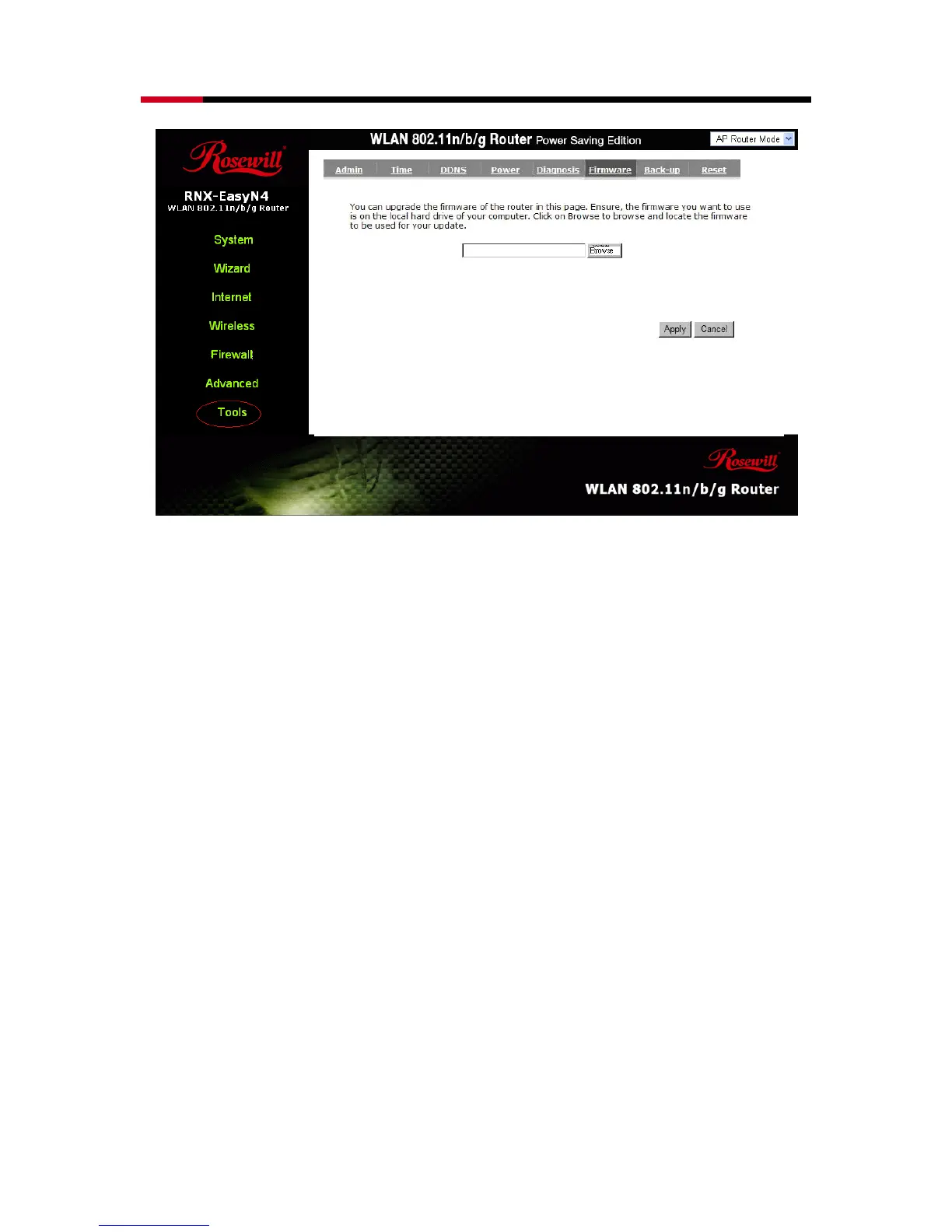
Once you’ve selected the new firmware file, click <Apply> at the bottom of the
screen to start the upgrade process
- Back-up
This page allows you to save the current router configurations. When you save the
configurations, you also can re-load the saved configurations into the router through the
Restore Settings. If extreme problems occur you can use the Restore to Factory
Defaults to set all configurations to its original default settings.



 To Next Page