Wireless Router RNX-EasyN4 User Manual
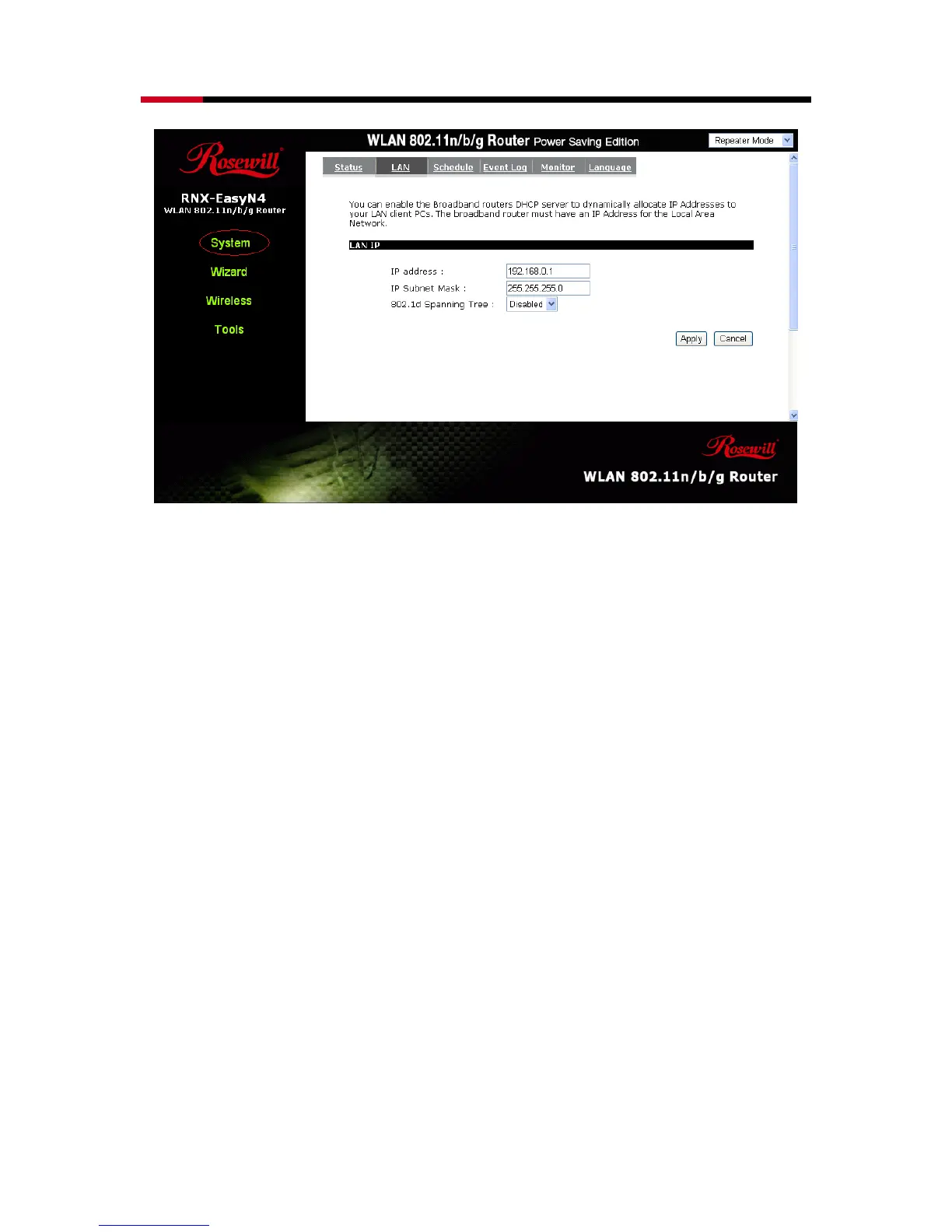
IP address: It is the router’s LAN IP address (Your LAN clients default gateway IP
address). It can be changed based on your own choice.
IP Subnet Mask: Specify a Subnet Mask for your LAN segment.
802.1d Spanning Tree: This is disabled by default. If 802.1d Spanning Tree function
is enabled, this router will use the spanning tree protocol to
prevent network loops.
- Schedule
Add schedule, edit schedule options allow configuration of power savings services. Fill
in the schedule and select type of service. Click <Apply> to implement the settings.



 To Next Page