Wireless Router RNX-EasyN4 User Manual
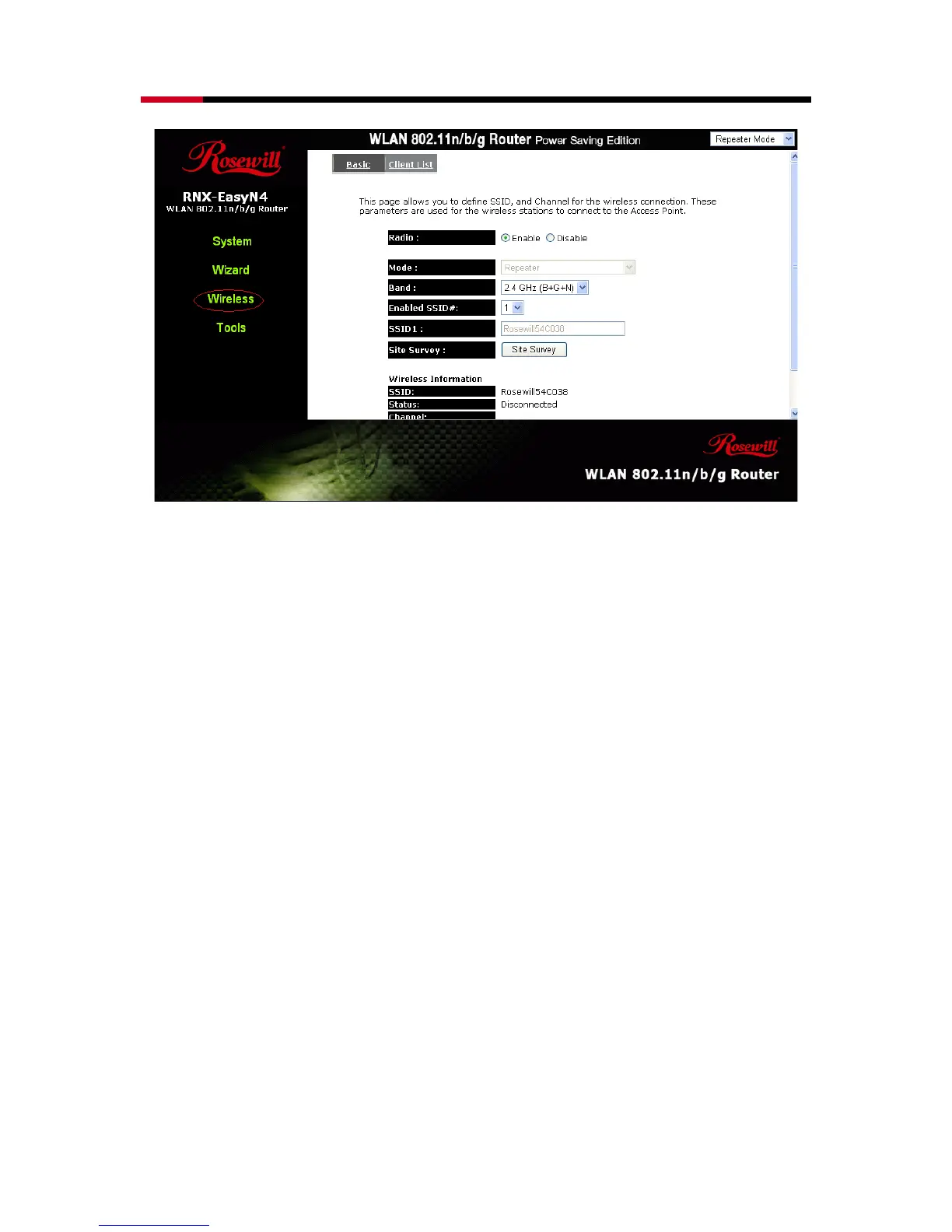
Radio: Enable or Disable Wireless function
Band: Allows you to set the AP fixed at 802.11b, 802.11g or 802.11n mode. You
can also select B+G mode to allow 802.11b and 802.11g clients at the same
time.
Enable ESSID: You can specify the maximum ESSID number.
ESSID1~3: Allow you to specify ESSID of WLAN.
Site Survey: You can scan the current Wireless Access Point and connect on it.



 To Next Page