Programming
AC-Q4x Series Installation and Programming Manual 31
Menu
No.
Description Default Section
4
Digits
5
Digits
6
Digits
4-8 Digits
7 Enroll proximity cards, PIN
or both
NA
5.13
8 Delete proximity cards or
PIN
NA
5.14
9 Code assignment with
strike/auxiliary
NA
5.15
0 Return to factory
defaults/Change PIN code
Length
NA
5.16
5.1 Entering the Programming Mode
• The controller must be in Normal mode to enter the programming
mode.
• The factory default 4-digit programming code is 1234.
• If a Programming code is not entered within 5 seconds, the controller
returns to Normal mode.
To enter Programming mode:
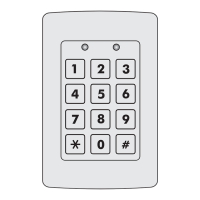
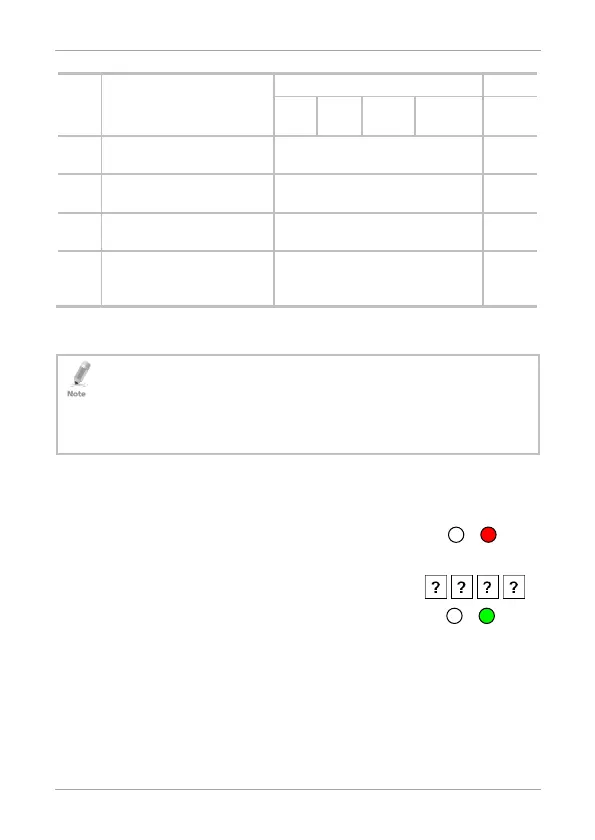
1. Press # twice.
The left LED turns off and the right LED turns
red.
2. Enter your 4-digit Programming code.
The right LED turns green.
Red



 To Next Page
 Loading...