Programming
AC-Q4x Series Installation and Programming Manual 45
5.12 Setting the Backlight Behavior
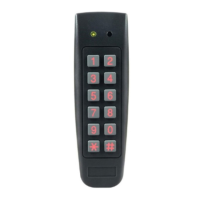
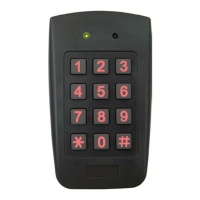
This section is applicable for AC-Q4xHB/SB models only
(backlight).
The controller allows you to define the way the unit’s backlight
works.
To set the backlight behavior:
1. Enter Programming mode.
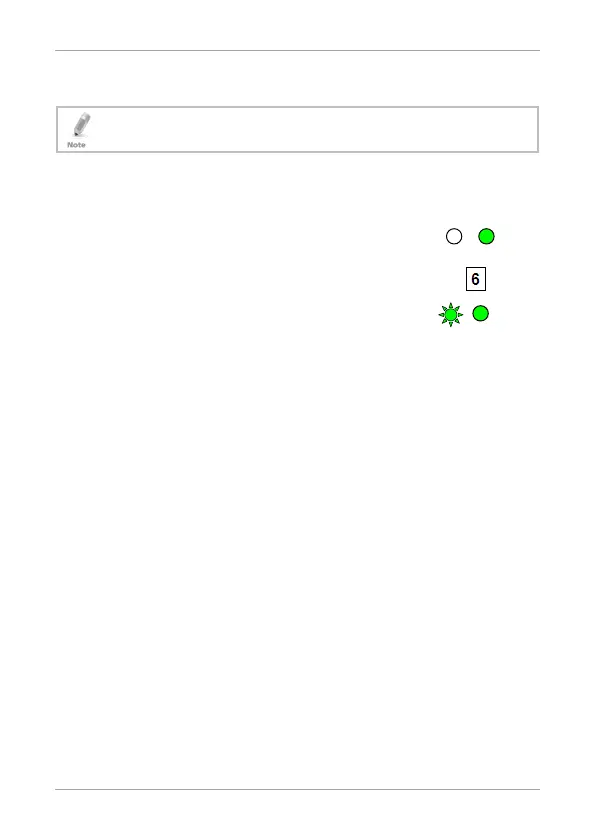
2. Press 6 to enter Menu 6.
The left LED flashes green.
3. Enter one of the following codes:
5000 – Backlight off
5100 – Backlight on (default)
5200 – Backlight is off, activates for 10 seconds when a key is
pressed, after which it dims until off
5300 – Backlight is dimmed, activates for 10 seconds when a
key is pressed, after which it returns to a dimmed level
5.13 Enrolling Primary and Secondary Codes
5.13.1 Primary Codes Definition
Primary codes can only be enrolled to an empty user slot, a slot
with no existing Primary code in the controller’s memory.
A Primary code must be unique; for instance, one user’s primary
code may not be the same as that of another user.
Primary codes cannot be the same as system codes, such as: the
Normal/Secure code or the Open code.
Users possessing a Primary code can gain entry during Normal
and Bypass modes.
Green
Green



 To Next Page
 Loading...