EasyManua.ls Logo

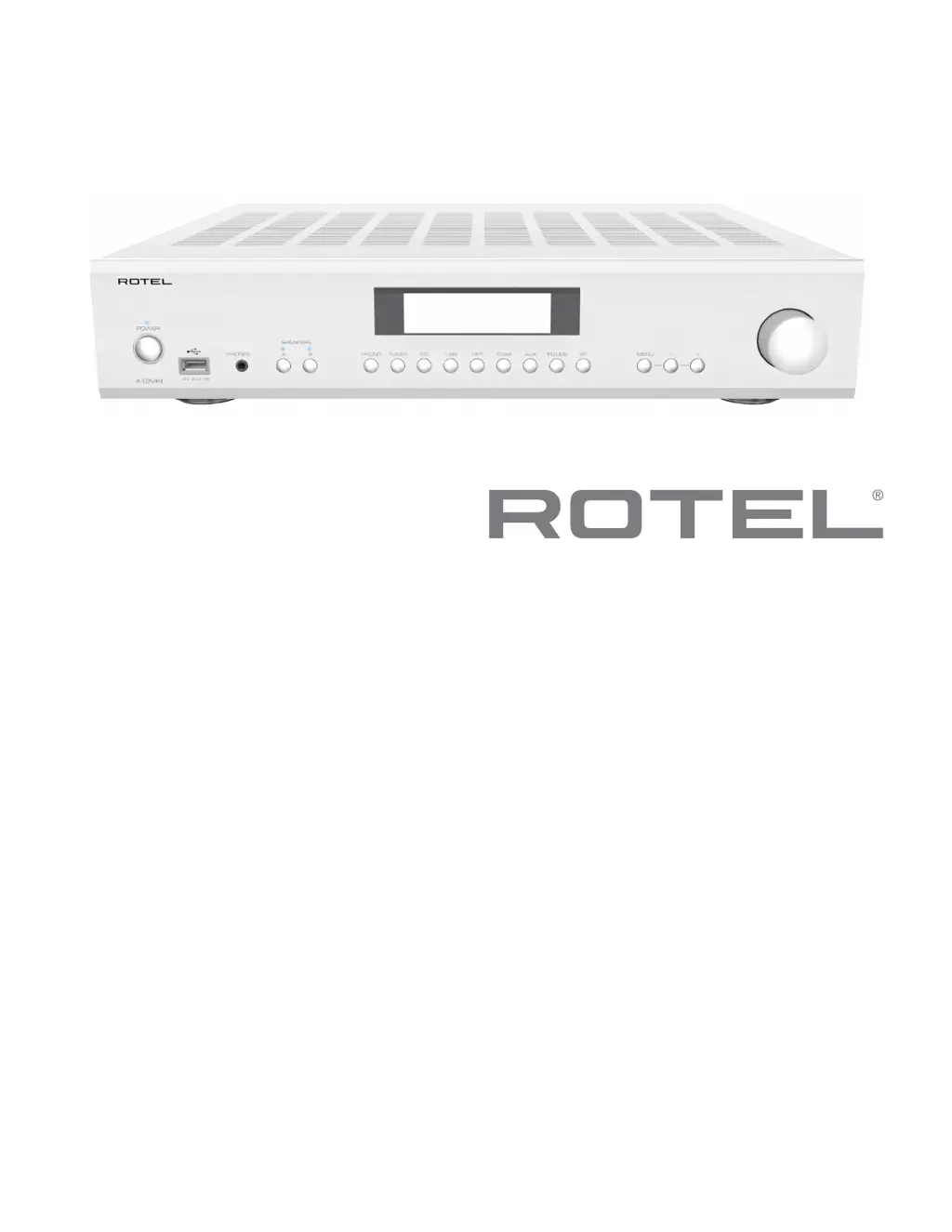
Rotel A12MKII - User Manual

Rotel A12MKII
17 pages
Print Icon
To Next Page IconTo Next Page
Loading...
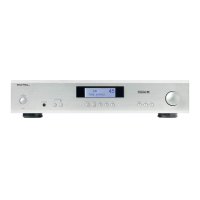
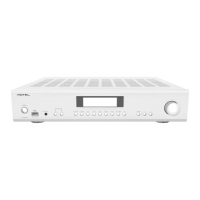
A12MKII
Stereo Integrated Amplier
Amplicateur Stéréo Intégré
Stereo-Vollverstärker
Amplicador Integrado Estereofónico
Geïntegreerde stereoversterker
Amplicatore integrato stereo
Integrerad stereoförstärkare
Интегрированный стерео усилитель
Owner’s Manual
Manuel de l’utilisateur
Bedienungsanleitung
Manual de Instrucciones
Gebruikershandleiding
Manuale di istruzioni
Instruktionsbok
Инструкция пользователя

Questions and Answers

  • M
    Melanie HallJul 28, 2025
    What to do if my Rotel A12MKII Amplifier has no sound?
    • B
      bryanhornJul 28, 2025
      If your Rotel Amplifier is not producing any sound, there are several things you can check. First, ensure that the signal source is working correctly. Verify that the cables connecting the signal source to the amplifier inputs are properly connected. Also, confirm that the Input Source is set to the correct input. Finally, inspect the wiring between the amplifier and the speakers to ensure everything is connected as it should be.
  • C
    Craig BakerAug 11, 2025
    Why is the power indicator not illuminated on my Rotel A12MKII Amplifier?
    • B
      bgarciaAug 11, 2025
      If the power indicator on your Rotel Amplifier is not illuminated, begin by testing the power outlet with another electrical device, such as a lamp, to ensure the outlet is functioning. Also, make sure that the power outlet being used is not controlled by a switch that has been turned off.

Summary

Important Safety Instructions

General Safety and Handling

Covers essential user precautions, warnings about water, ventilation, and electrical safety.

Electrical Safety Warnings

Details risks of electric shock, fire, and proper grounding/plug usage.

Installation and Environmental Guidelines

Advice on placement, ventilation, heat sources, and avoiding liquids.

Controls and Connections Overview

Front Panel Controls and Ports

Identification of buttons, display, and connectors on the front of the unit.

Rear Panel Connectivity Options

Details of all input/output jacks and power connectors on the rear.

Audio Input and Speaker Output Connections

Connecting Analog Audio Sources

Guide for connecting turntables (Phono) and other line-level devices.

Digital Input Connectivity

PC-USB Digital Audio Connection

Setup for connecting a computer via USB for audio playback.

Getting Started

Precautions, Placement, and Power

Input;Output Signal Management

Amplifier Protection Circuitry

Understanding the protection indicator and its function.

Connecting Analog Inputs and Outputs

Guide for Phono, Line Level inputs, and Preamp outputs.

Connecting Digital Audio Sources

Instructions for COAXIAL and OPTICAL digital input connections.

Audio Controls and Features

Source Selection and External Control

Settings Menu Configuration

Troubleshooting and Format Support

Resolving Common Operational Issues

Guidance on troubleshooting power, sound, and connection problems.

Technical Specifications

Audio Performance Specifications

Detailed technical data on audio output, distortion, and frequency response.

Rotel A12MKII Specifications

General IconGeneral
Speaker Impedance4 ohms minimum
Standby Power Consumption<0.5W
Power Output60W per channel (8Ω)
Frequency Response10Hz - 100kHz ±0.5dB
Signal to Noise Ratio100dB
Dimensions430 x 93 x 345 mm (17 x 3.6 x 13.5 in)
Weight8.0 kg (17.6 lbs.)
Intermodulation Distortion<0.03%
Input ImpedanceLine Level: 24k ohms
Power Consumption230W
Digital InputsOptical, Coaxial
PC-USBUSB Audio Class 1.0 and USB Audio Class 2.0 (driver installation required)
Inputs4 x RCA, 1 x Phono (MM), 1 x Optical, 1 x Coaxial, 1 x USB

Related product manuals