EasyManua.ls Logo

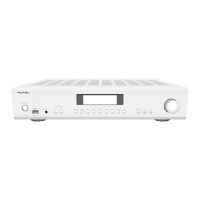
Rotel A11 - User Manual

Rotel A11
15 pages
Print Icon
To Next Page IconTo Next Page
Loading...
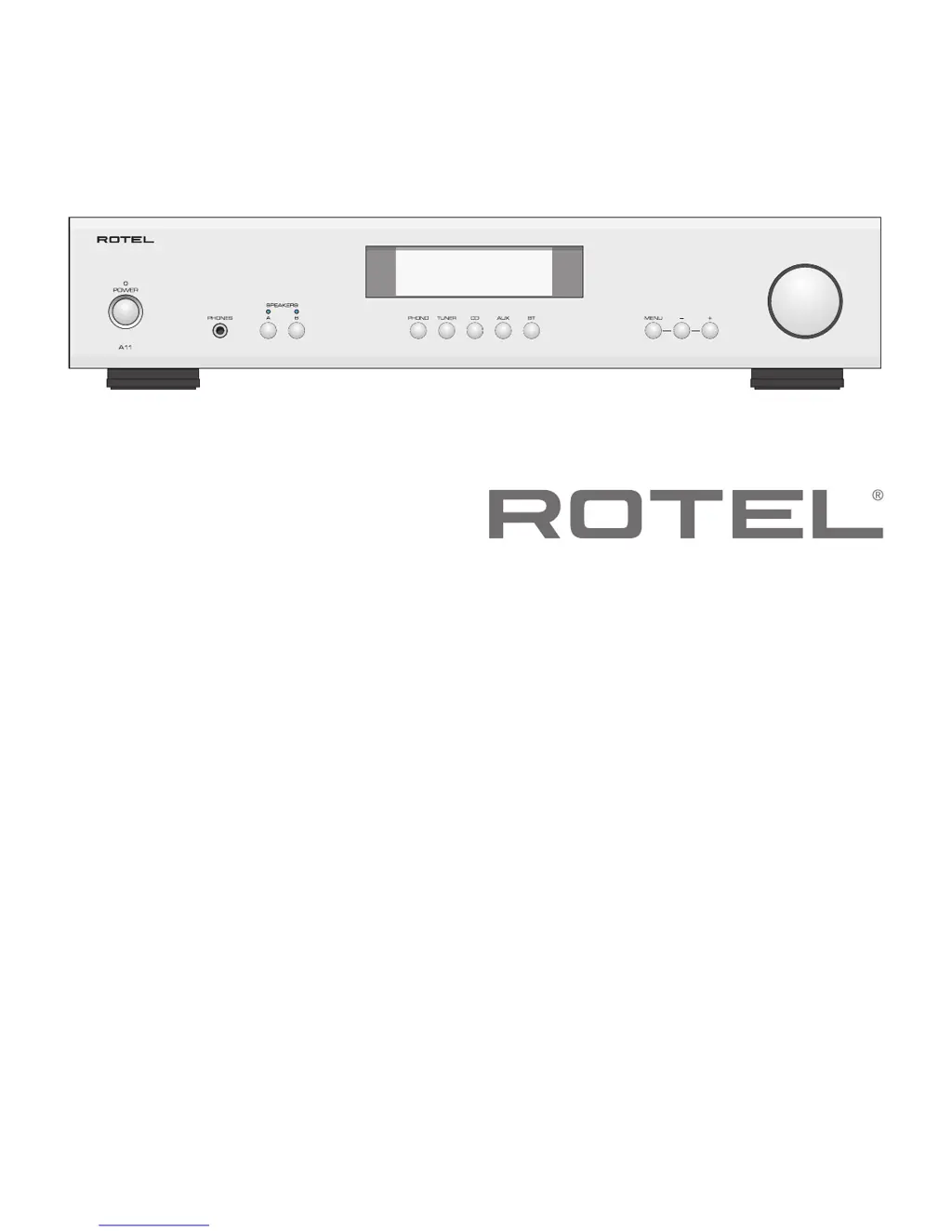
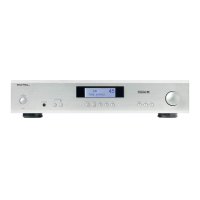
A11
Stereo Integrated Amplier
Amplicateur Stéréo Intégré
Stereo-Vollverstärker
Amplicador Integrado Estereofónico
Geïntegreerde stereoversterker
Amplicatore integrato stereo
Integrerad stereoförstärkare
Интегрированный стерео усилитель
Owner’s Manual
Manuel de l’utilisateur
Bedienungsanleitung
Manual de Instrucciones
Gebruikershandleiding
Manuale di istruzioni
Instruktionsbok
Инструкция пользователя

Questions and Answers

  • B
    Bryan HarrisonJul 27, 2025
    Why is there no sound coming from my Rotel A11 Amplifier?
    • L
      Leah BrownJul 27, 2025
      If you're not getting any sound from your Rotel Amplifier, here are a few things to check: * First, verify that the signal source is working correctly. * Next, ensure that the cables connecting the signal source to the amplifier inputs are properly connected. * Also, confirm that the Input Source is set to the correct input. * Finally, inspect the wiring between the amplifier and the speakers.
  • S
    Sarah WebbAug 4, 2025
    What to do if the Rotel A11 power indicator is not illuminated?
    • M
      Mr. Joshua Miller Jr.Aug 4, 2025
      If the power indicator on your Rotel Amplifier isn't lit, try these steps: First, test the power outlet with another electrical device, such as a lamp, to ensure the outlet is functioning. Also, make sure the power outlet being used is not controlled by a switch that has been turned off.
  • C
    Christopher HammondAug 12, 2025
    How to fix Bluetooth connection issues on Rotel Amplifier?
    • J
      joseph24Aug 12, 2025
      If you're having trouble connecting to your Rotel Amplifier via Bluetooth, try deleting the memory of the previous connection on your device and then attempt to make the connection again.
  • K
    Kimberly SinghAug 18, 2025
    What to do if Rotel A11 fuse needs replacement?
    • C
      Christina BryanAug 19, 2025
      If the internal power fuse has blown, contact your authorized Rotel dealer to get the fuse replaced.

Summary

Important Safety Instructions

Getting Started

A Few Precautions

Essential safety guidelines to follow before connecting and operating the system to prevent damage or injury.

Input and Output Connections

Input Signal Connections

Details on connecting various audio sources like Phono, CD, Tuner, and Aux inputs.

Speaker Outputs

Information on connecting speakers, including selector switches and impedance considerations.

Audio Controls and Settings

Speaker Connection Details

Specifics on connecting speaker wires, including polarity, phasing, and wire types.

Troubleshooting

No Sound Issues

Troubleshooting steps for diagnosing and resolving problems related to lack of audio output.

Bluetooth Connectivity Problems

Solutions for issues encountered when connecting Bluetooth-enabled devices to the amplifier.

Rotel A11 Specifications

General IconGeneral
Amplifier classA/B
Frequency range10 - 100000 Hz
Input sensitivity180 mV
Audio output channels2.0 channels
Peak power per channel50 W
Signal-to-Noise Ratio (SNR)100 dB
Total Harmonic Distortion (THD)0.03 %
AC (power) inYes
Line inputs (RCA)2
Speakers connectivity typeClamp terminals
PurposeHome
Product colorBlack
Volume controlRotary
Connectivity technologyWired & Wireless
AC input voltage120/230 V
AC input frequency50 - 60 Hz
Power consumption (standby)0.5 W
Power consumption (typical)160 W
Weight and Dimensions IconWeight and Dimensions
Depth345 mm
Width430 mm
Height93 mm
Weight6850 g

Related product manuals