EasyManua.ls Logo

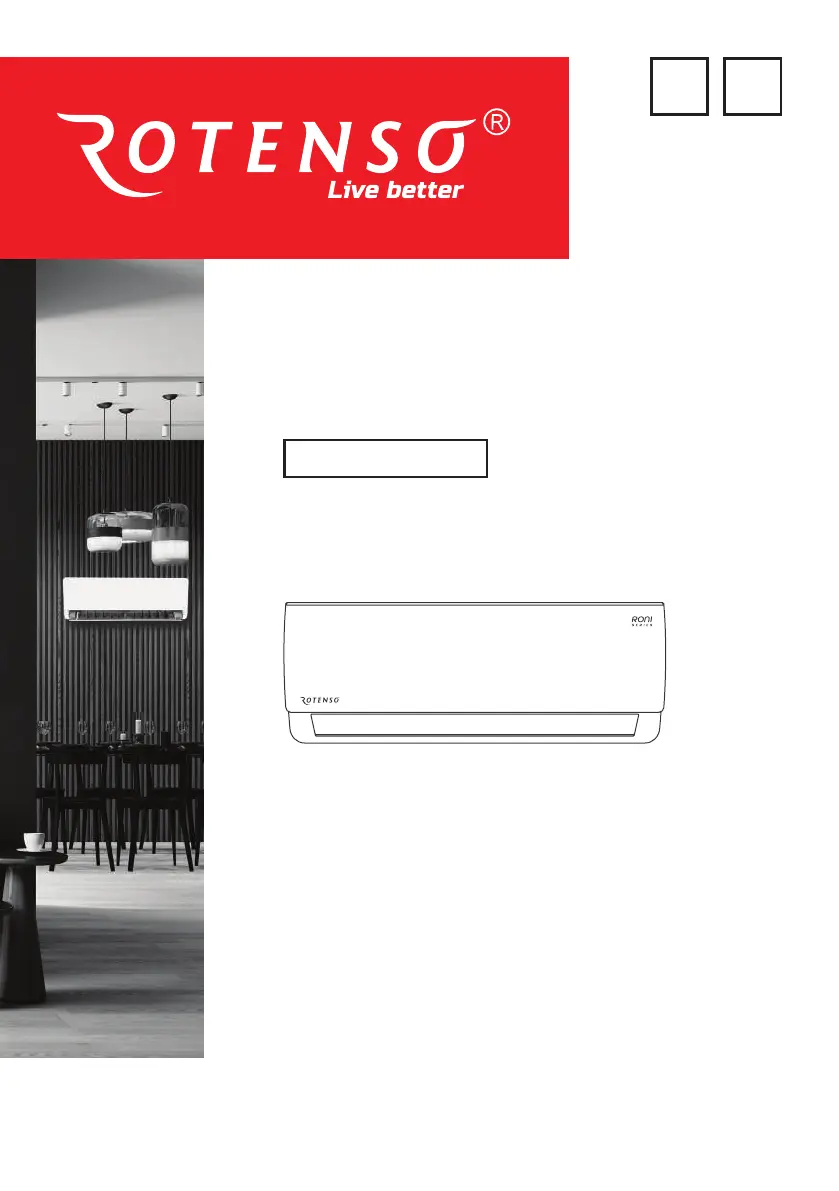
Rotenso RONI X Series - User Manual

Rotenso RONI X Series
64 pages
Go to English
Print Icon
To Next Page IconTo Next Page
Loading...
www.rotenso.com
PL EN
INSTRUKCJA OBSŁUGI
USER MANUAL
MODELE/MODELS:
R26X
R35X
R50X
R70X
SERIES
IDU & ODU UNITS
RONI

Table of Contents

Questions and Answers

  • M
    Meagan GregoryAug 11, 2025
    What to do if my Rotenso RONI X Air Conditioner has insufficient airflow?
    • A
      Alex SheppardAug 11, 2025
      If your Rotenso Air Conditioner has insufficient airflow, whether hot or cold, consider the following: * Check if the temperature setting is appropriate and adjust it if necessary. * Ensure that the air inlet or outlet of the indoor or outdoor unit is not blocked, and clear any blockages. * See if the air filter is blocked, and clean or replace it. * Verify that the fan speed is not set at minimum, and increase it if needed. * Identify and reduce or remove other sources of heat in the room. * Check refrigerant levels and refill if necessary.
  • D
    Diana BoydAug 15, 2025
    What to do if my Rotenso Air Conditioner does not respond to the remote control?
    • W
      Wayne MillerAug 15, 2025
      If your Rotenso Air Conditioner isn't responding to the remote, here's what you can do: * Make sure the remote control is close enough to the indoor unit. * Replace the batteries in the remote controller, as they may be exhausted. * Remove any obstacles that might be blocking the signal between the remote control and the signal receiver on the indoor unit.
  • J
    Jennifer GrantAug 21, 2025
    Why does my Rotenso RONI X have a strange odor?
    • S
      Samantha KlineAug 21, 2025
      If your Rotenso Air Conditioner emits a strange odor, it might be due to a dirty air filter. Try cleaning or replacing the air filter to resolve this issue.
  • R
    robertwalkerAug 26, 2025
    Why does my Rotenso RONI X display is off?
    • L
      lisaaguilarAug 26, 2025
      If the display of your Rotenso Air Conditioner is off, it could be due to the following reasons: * The LED function might be active. Try deactivating the LED function to restore the display. * There might be a power failure. Check the power supply to ensure it is functioning correctly.
  • D
    Daniel SanchezAug 31, 2025
    Why does my Rotenso RONI X make noise of running water?
    • P
      Phillip HillAug 31, 2025
      The noise of running water in your Rotenso Air Conditioner could be due to the back flow of liquid in the refrigerant circulation. Check for proper refrigerant flow and fixes as necessary.
  • R
    Rebecca PetersonNov 4, 2025
    Why my Rotenso RONI X does not operate?
    • S
      Steven MelendezNov 4, 2025
      Your Rotenso Air Conditioner might not be operating due to several reasons: * A power failure or the plug might not be securely connected. In this case, check the power supply and ensure the plug is securely connected. * The indoor or outdoor unit fan motor could be damaged, requiring inspection and replacement if necessary. * The compressor thermomagnetic circuit breaker could be faulty, necessitating testing and replacement. * Protective devices or fuses may be faulty, requiring a check and replacement as needed. * There might be loose connections or the plug could be pulled out. Make sure to tighten connections and ensure the plug is securely inserted. * It sometimes stops operating to protect the appliance, allow the appliance to reset before operating again. * The volta...

Summary

SAFETY PRECAUTIONS

QUALIFIED PERSONNEL AND HAZARDS

Installation and servicing require expertise; potential hazards are outlined.

UTILIZATION AND SAFE DISPOSAL

Guidelines for proper use and environmentally sound disposal of the appliance.

SAFETY PRECAUTIONS CONTINUED

REFRIGERANT R32 INTRODUCTION

Information about R32 refrigerant, its properties, and environmental impact.

SAFETY PRECAUTIONS CONTINUED

INSTALLER SAFETY RECOMMENDATIONS

Specific advice for installers regarding safe setup and operation.

SAFETY PRECAUTIONS CONTINUED

OPERATIONAL SAFETY GUIDELINES

Precautions for operating the unit, including distance from flammables and ventilation.

SAFETY PRECAUTIONS CONTINUED

MAINTENANCE AND USAGE SAFETY ADVICE

Safety tips for cleaning, maintenance, and general use of the appliance.

SAFETY PRECAUTIONS CONTINUED

APPLIANCE USAGE RESTRICTIONS AND WARNINGS

Rules on altering the unit, handling the power cord, and child supervision.

PART 1. INDOOR AND OUTDOOR UNITS

INDOOR UNIT PARTS IDENTIFICATION

Visual identification of components on the indoor unit.

OUTDOOR UNIT PARTS IDENTIFICATION

Visual identification of components on the outdoor unit.

PART 1. INDOOR AND OUTDOOR UNITS CONTINUED

INDOOR UNIT DISPLAY INDICATORS

Meaning of indicators and codes shown on the indoor unit display.

MANUAL OPERATION & AUTO-RESTART FUNCTION

Guide to manual control and the auto-restart feature.

PART 1. INDOOR AND OUTDOOR UNITS CONTINUED

EMERGENCY FUNCTION AND OPERATING TEMPERATURES

How to use the emergency button and the unit's temperature limits.

PART 2. CLEANING AND MAINTENANCE

CLEANING INDOOR UNIT AND HEAT EXCHANGER

Steps for cleaning the indoor unit, filters, and heat exchanger.

SEASONAL MAINTENANCE AND BATTERY REPLACEMENT

Procedures for end-of-season care and replacing remote batteries.

PART 3. TROUBLESHOOTING

MALFUNCTIONS AND POTENTIAL CAUSES

A list of common issues and their possible explanations.

PART 3. TROUBLESHOOTING CONTINUED

ERROR SIGNALS AND THEIR MEANING

How to interpret error codes displayed on the unit for fault diagnosis.

PART 4. REMOTE CONTROL

REMOTE CONTROL BUTTON FUNCTIONS

Detailed explanation of each button on the remote control.

PART 4. REMOTE CONTROL CONTINUED

REMOTE CONTROLLER DISPLAY INDICATORS

Explanation of symbols and icons on the remote control's display.

PART 4. REMOTE CONTROL CONTINUED

BATTERY REPLACEMENT AND INITIAL SETUP

Instructions for battery replacement and initial remote control configuration.

PART 4. REMOTE CONTROL CONTINUED

TEMPERATURE DISPLAY UNIT CONVERSION

How to switch the temperature display between Celsius and Fahrenheit.

PART 5. OPERATING INSTRUCTIONS

SELECTING COOLING, HEATING, AND DRY MODES

How to activate and use the primary operating modes.

FAN MODE AND FAN SPEED ADJUSTMENT

Using fan-only mode and controlling fan speed levels.

PART 5. OPERATING INSTRUCTIONS CONTINUED

AUTO MODE AND CHILD-LOCK FUNCTIONALITY

Activating automatic mode and securing the unit with child lock.

TIMER FUNCTIONS FOR AUTOMATIC OPERATION

Setting timers for automatic unit start-up or shut-down.

PART 5. OPERATING INSTRUCTIONS CONTINUED

SPECIAL FUNCTIONS: SWING, TURBO, MUTE, ECO

How to use advanced features like swing, turbo, mute, and energy-saving ECO.

PART 5. OPERATING INSTRUCTIONS CONTINUED

DISPLAY, SLEEP, AND I FEEL;FOLLOW ME MODES

Controlling the display, sleep function, and personal temperature sensing.

HEALTH, GENTLE WIND, AND ICLEAN FUNCTIONS

Using health, gentle wind, and automatic iClean self-cleaning features.

PART 5. OPERATING INSTRUCTIONS CONTINUED

8°C HEATING AND IAIR FUNCTIONS ACTIVATION

How to enable the 8°C heating and iAIR (anti-mildew) cleaning functions.

APPENDIX FOR REFRIGERANT R290;R32

REFRIGERANT GAS SAFETY INFORMATION

Crucial safety details and warnings about R290/R32 refrigerant.

APPENDIX FOR REFRIGERANT R290;R32 CONTINUED

REPAIR SAFETY AND GENERAL PROCEDURES

General instructions and safety precautions for performing repairs on the system.

APPENDIX FOR REFRIGERANT R290;R32 CONTINUED

COMPONENT REPAIR AND REFRIGERANT LEAK DETECTION

Procedures for repairing unit components and methods for detecting leaks.

APPENDIX FOR REFRIGERANT R290;R32 CONTINUED

SAFE REFRIGERANT HANDLING: REMOVAL AND CHARGING

Guidelines for safely removing, evacuating, and charging refrigerant.

APPENDIX FOR REFRIGERANT R290;R32 CONTINUED

DECOMMISSIONING AND REFRIGERANT RECOVERY

Steps for decommissioning the unit and safely recovering refrigerant.

Rotenso RONI X Series Specifications

General IconGeneral
RefrigerantR32
Energy Class CoolingA+++
Energy Class HeatingA++
TypeSplit
FunctionsCooling, Heating, Dehumidification, Fan
Power Supply220-240V, 50Hz
Energy Efficiency Ratio (EER)Up to 4.0 (depending on model)

Related product manuals