RKRTWA
Room thermostat
4PW56104-1
Operation manual
12
5.4. Setting up a user-defined schedule (±±
±±
and ±±
±±
)
Within the user-defined schedule each day can be programmed
individually and 12 actions (setpoints) are possible per day.
■ First decide upon the temperature scale you prefer
(°C/°F) by setting up code
as decribed in
"Setting up codes in the user menu" on page 15.
■ At all times you can press
to go back 1 step.
Pressing
goes to the next step.
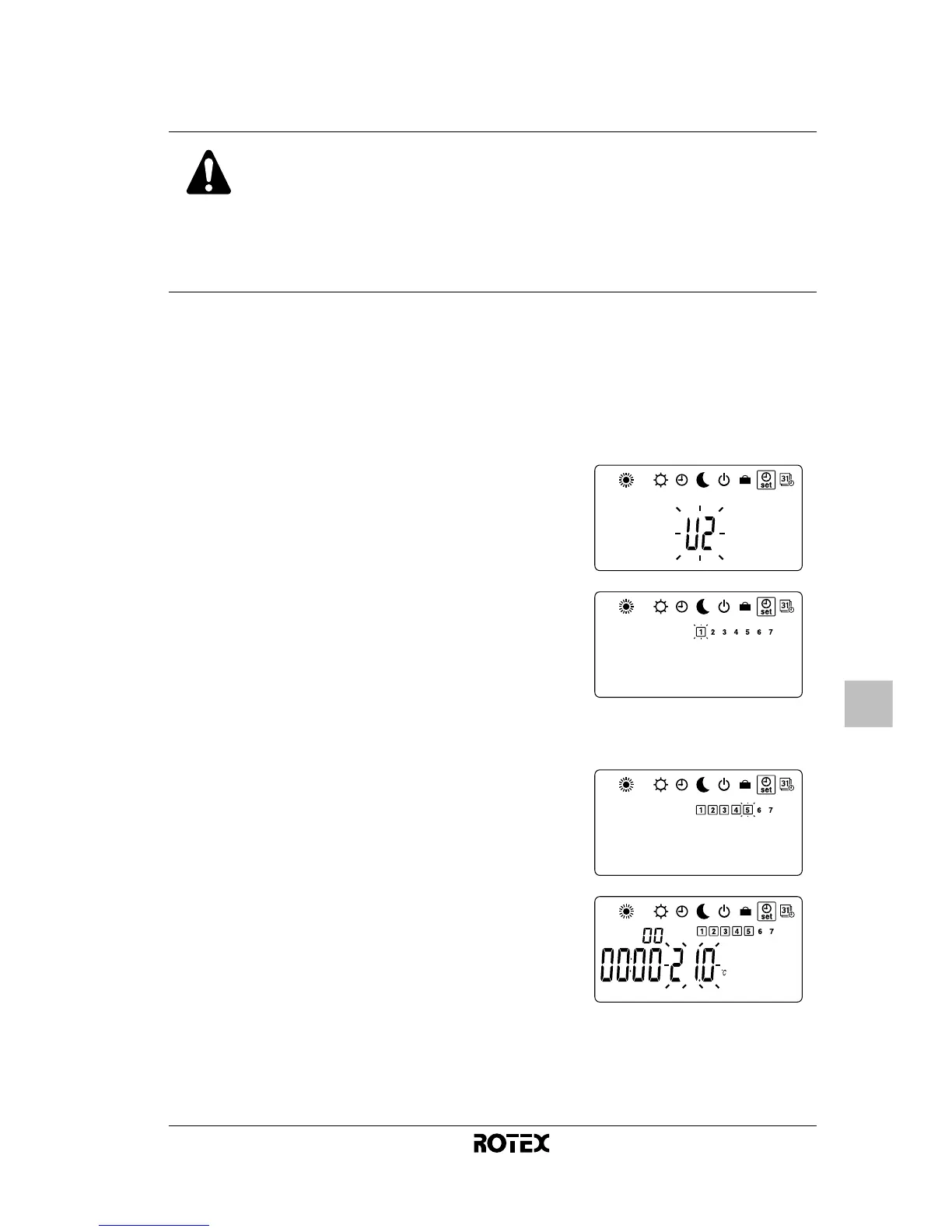
1
If needed, activate the advanced mode by pressing
during 5 seconds in OFF mode (&).
2
Navigate to the schedule timer setting menu (() by
pressing
.
3
Press or until ± or ±
flashes and press
to confirm.
4
Press or to move to the
day you want to program and
press
to select or to
deselect it.
You can program multiple days at
once by selecting them.
5
Press to confirm.
6
Press or to adjust the
setpoint of the first action.
The first action starts at
and
lasts until the end time which you
set up in the next step.


 To Next Page
 Loading...