RotorWay International
Exec 162F Maintenance Manual
58
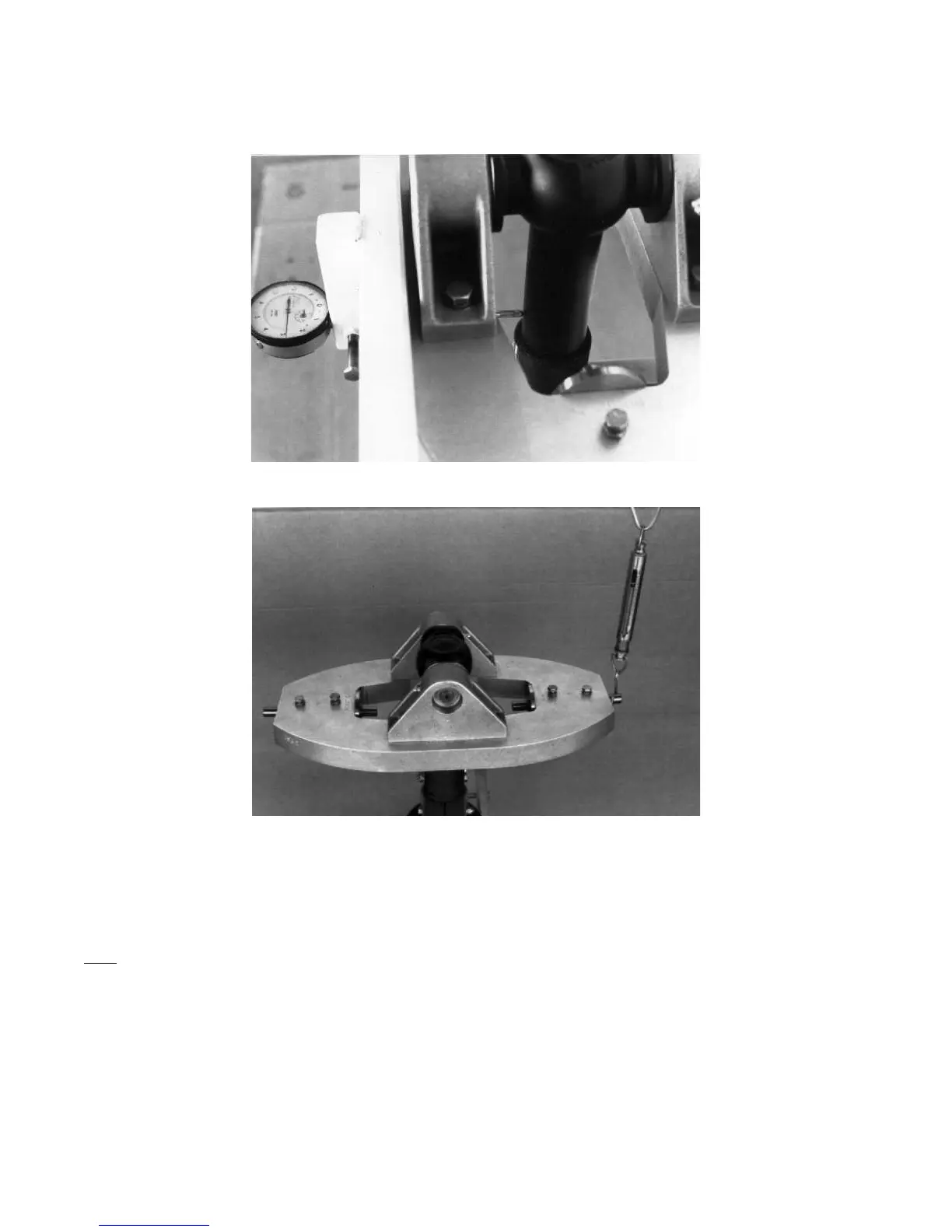
Photo #12: Dial indicator reading on center of main shaft.
Photo #13: Reading poundage pull on hub.
28. Replace new large flat washers and snap rings on the main drive pin. CAUTION: Be sure you place the correct side
of the snap ring towards the outside of the pin. Refer to the Construction Manual Tail Rotor section for the correct snap
ring procedures.
29. After rocking the hub back and forth 10 to 15 times, replace the 4 set screws on the top of the knuckle. Tighten the first
set screws against the main drive pin and the second set of screws against the first set of screws as a safety lock. (Do
NOT use Loctite on these screws.)
30. Recheck the torque on the teeter block bolts and recheck the hub centering.



 To Next Page