32
USER MANUAL
Playback Your Recorded Videos
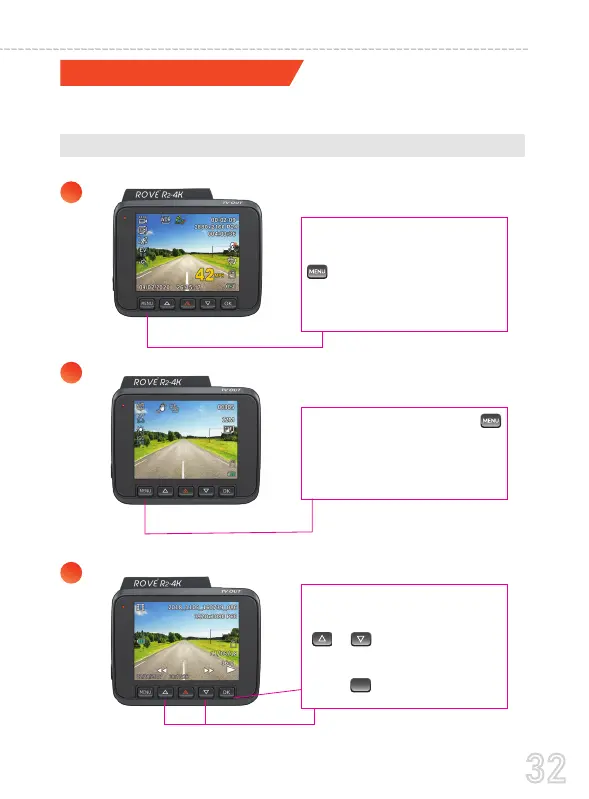
A. Directly On The CAMERA by switching to the PLAYBACK MODE
There are 3 different way you can access your videos.
1
2
3
Use the on-screen naviga-
tion button and use the
upd/wn button to scroll
your videos.
Press OK to play video
You can do this by
pressing and holding the
M button for two seconds
so it will switch from
Video mode to Photo mode.
Then Press and hold the M’
button again to switch from
Photo mode to Playback
mode
OK



 To Next Page