52
Parking Heater
REPLACING THE HANDSET BATTERIES
Battery condition
The handset indicator light automatically informs the user of the
condition of the batteries when the handset is used. Press either of
the handset buttons and check the battery condition as follows:
If the ambient temperature is lower than 0° C and the handset is
cold, the batteries may falsely be indicated as needing replacement
(alkaline batteries do not operate as well in cold temperatures). If
this occurs, place the handset somewhere warm (a pocket, for
example) until the batteries have warmed sufficiently to work
correctly.
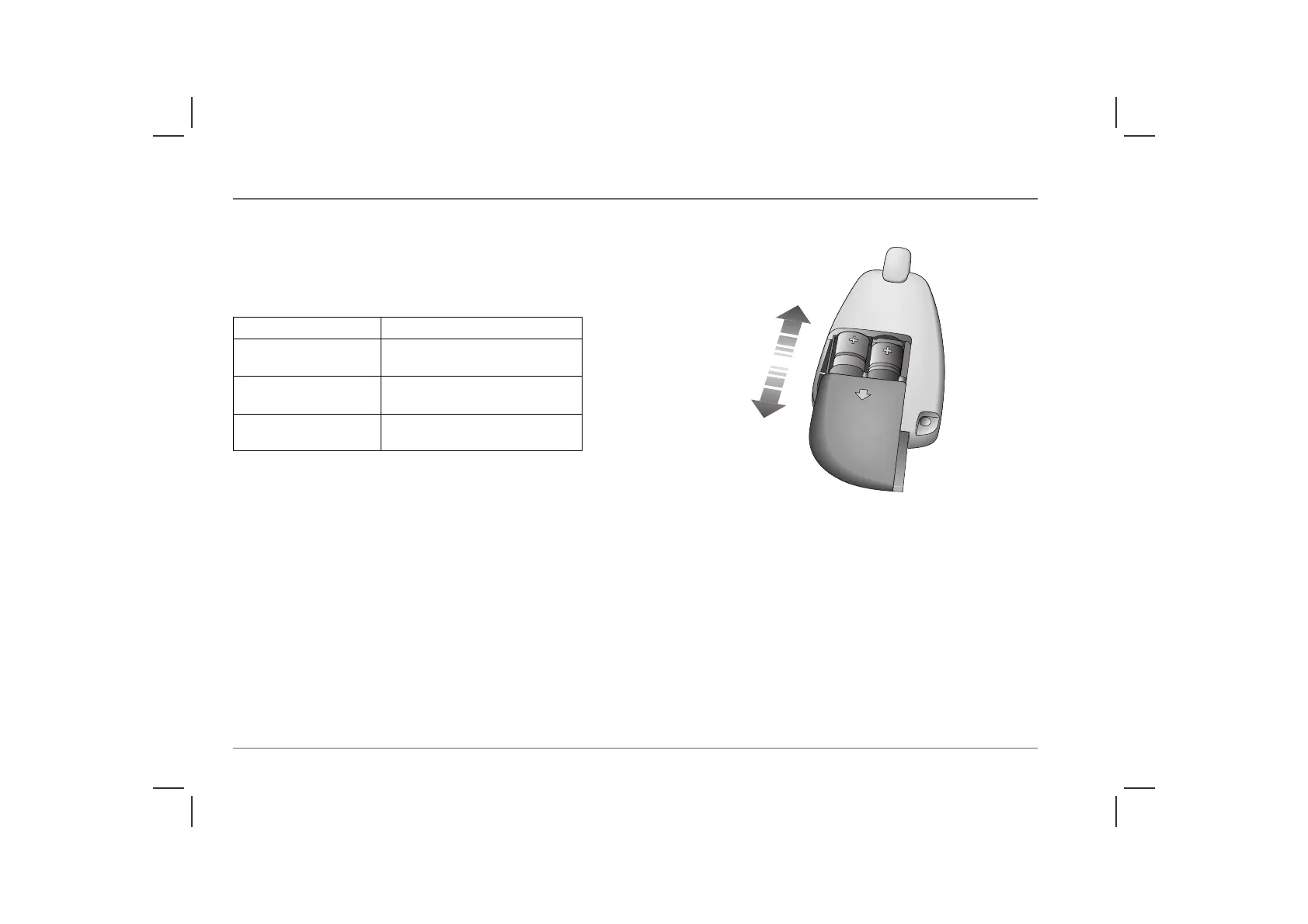
Battery replacement
With the back of the remote handset facing uppermost, slide off
the battery compartment cover and remove the discharged
batteries. Replace with two MN21 12V alkaline batteries,
ensuring that the correct battery polarity is maintained.
After replacing the batteries, ensure that the cover is refitted
securely.
Battery condition Indicator light
Batteries good Illuminates RED after 1 second, for
0.5 seconds.
Batteries low Flashes ORANGE after 1 second,
for 3 seconds.
Replace batteries Flashes ORANGE after 1 second,
for 5 seconds.
HB0490



 To Next Page