24
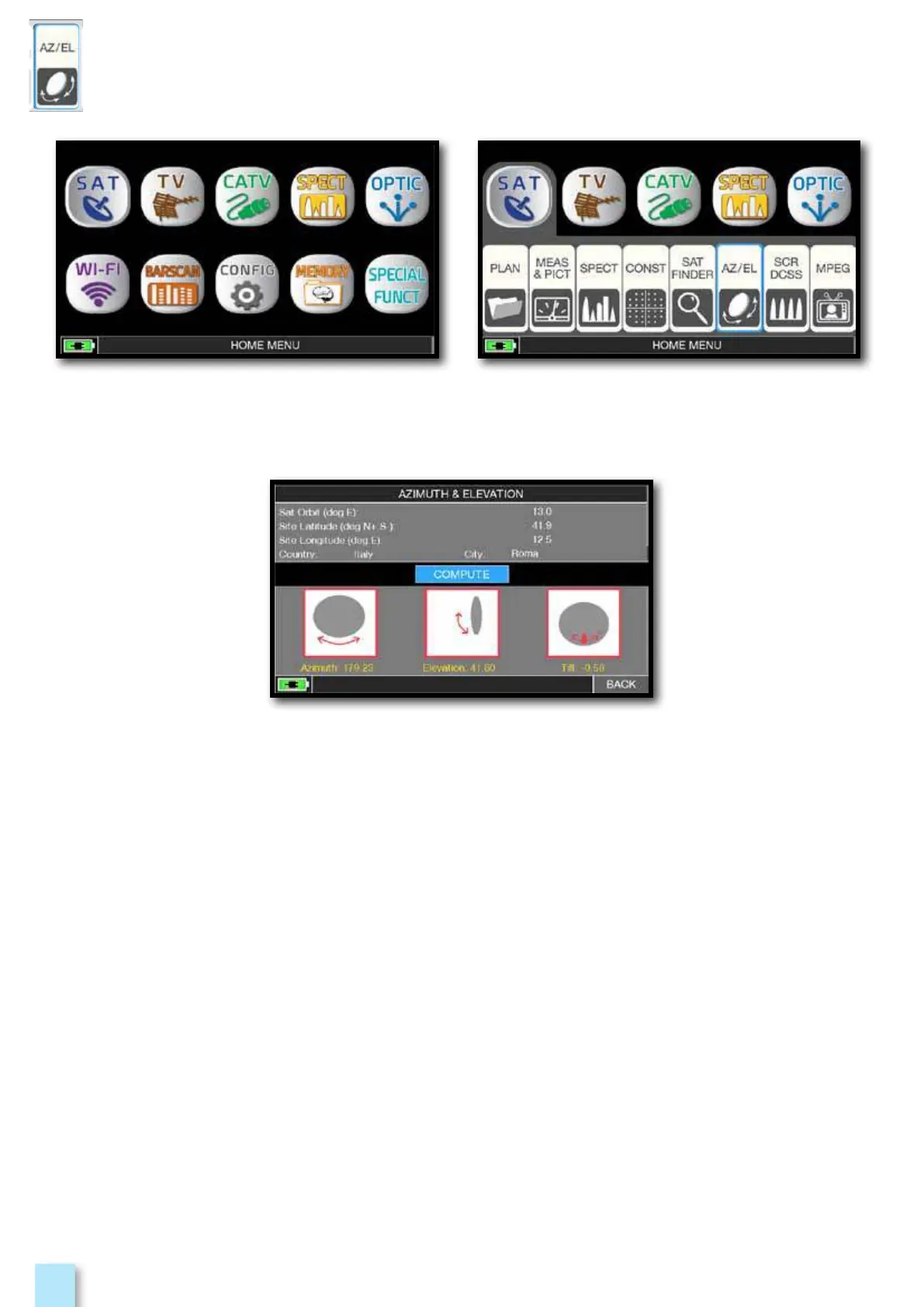
Calculation of the pointing data:
- Touch “SAT ORBIT” and set up the orbit position of the desired
satellite, for example 13,0 EAST.
- Touch “COUNTRY” and select your Nation, for example Italy.
- Touch “CITY” and select your city, for example Roma.
- Touch “COMPUTE” to obtain the automatic calculation of
pointing parameters: Azimuth, Elevation & Tilt.
Press “HOME” key. Touch “SAT” and then “AZ/EL”.
_____________________________________



 To Next Page