EasyManua.ls Logo

Royal Sovereign FS-2D - User Manual

Royal Sovereign FS-2D
12 pages
Print Icon
To Next Page IconTo Next Page
Loading...
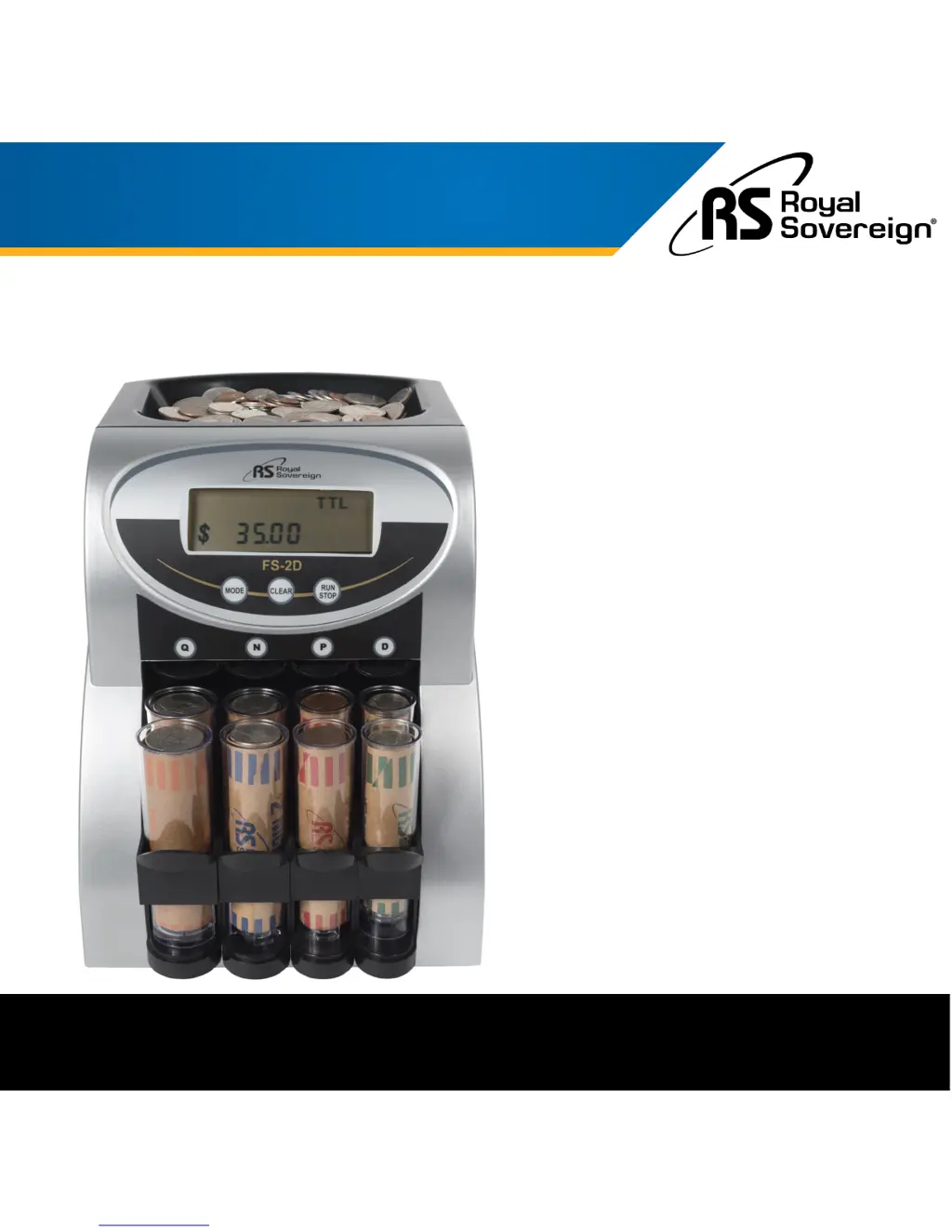
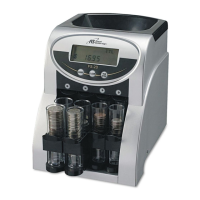
TWO ROW COIN COUNTER WITH VALUE COUNTING
Royal Sovereign International, Inc.
Please read and retain these instructions.
To register your product, please go to www.royalsovereign.com
Owner's Manual
FS-2D

Questions and Answers

  • R
    Robert MullenAug 2, 2025
    What to do if coins are not sorting into tubes in my Royal Sovereign FS-2D?
    • C
      Cameron GomezAug 2, 2025
      If your Royal Sovereign Cash Counter is not sorting coins into the tubes, a jam may have occurred due to foreign objects or bent, damaged, or sticky coins. First, gently tap the machine on the side to try and loosen the jam. The unit is designed to resolve jams automatically, so wait about 15 seconds as the Agitation Screw and Running Vessel rotate forwards and backwards. If it’s still not sorting, push the 'RUN/STOP' button to stop sorting. Then, unplug the machine and loosen the hopper lid screw with a coin. Lift the hopper lid and remove the Inner Vessel to expose the Running Vessel. Retrieve the item causing the problem, replace the Inner Vessel, screw the hopper lid back on, and push the 'RUN/STOP' button to start sorting again.
  • G
    galvarezAug 13, 2025
    How to troubleshoot a Royal Sovereign Cash Counter when the motor does not run?
    • C
      Christopher BatesAug 13, 2025
      If the motor of your Royal Sovereign Cash Counter does not run, try the following: - Check that the power cord is securely plugged in. - Ensure that the power switch is turned on. - Push the 'RUN/STOP' button again. - Verify that the tube trays are positioned properly.
  • J
    Jessica ThomasAug 22, 2025
    Why is my Royal Sovereign FS-2D Cash Counter making a ticking sound?
    • M
      Melissa GarciaAug 22, 2025
      The ticking sound you hear in your Royal Sovereign Cash Counter is normal. It is the anti-jam device in operation.

Summary

Safety Instructions

Box Contents

Product View

Quick Start Guide

Front Panel

Run;Stop Button

Button to start and stop the coin counting machine.

Mode Button

Switch display between total amount and denomination counts.

Clear Button

Reset the display and counts to zero.

Product Operation

Coin Wrappers

Troubleshooting

Product Registration

Specifications

One Year Limited Warranty

Royal Sovereign FS-2D Specifications

General IconGeneral
BrandRoyal Sovereign
ModelFS-2D
CategoryCash Counter
Hopper Capacity200 bills
Stacker Capacity200 bills
Counterfeit DetectionYes
Display TypeLED
BatchingYes
Add FunctionYes
Weight11 lbs
Counting Speed1000 bills per minute
Detection MethodsUV, MG
Power Supply110V/60Hz

Related product manuals