EasyManua.ls Logo

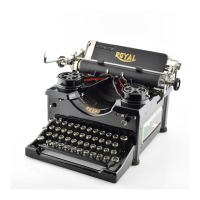
Royal Portable typewriter - 4 Step Ribbon Change

Royal Portable typewriter
24 pages
Print Icon
To Next Page IconTo Next Page
To Previous Page IconTo Previous Page
Loading...
4
step
ribbon
change
12.
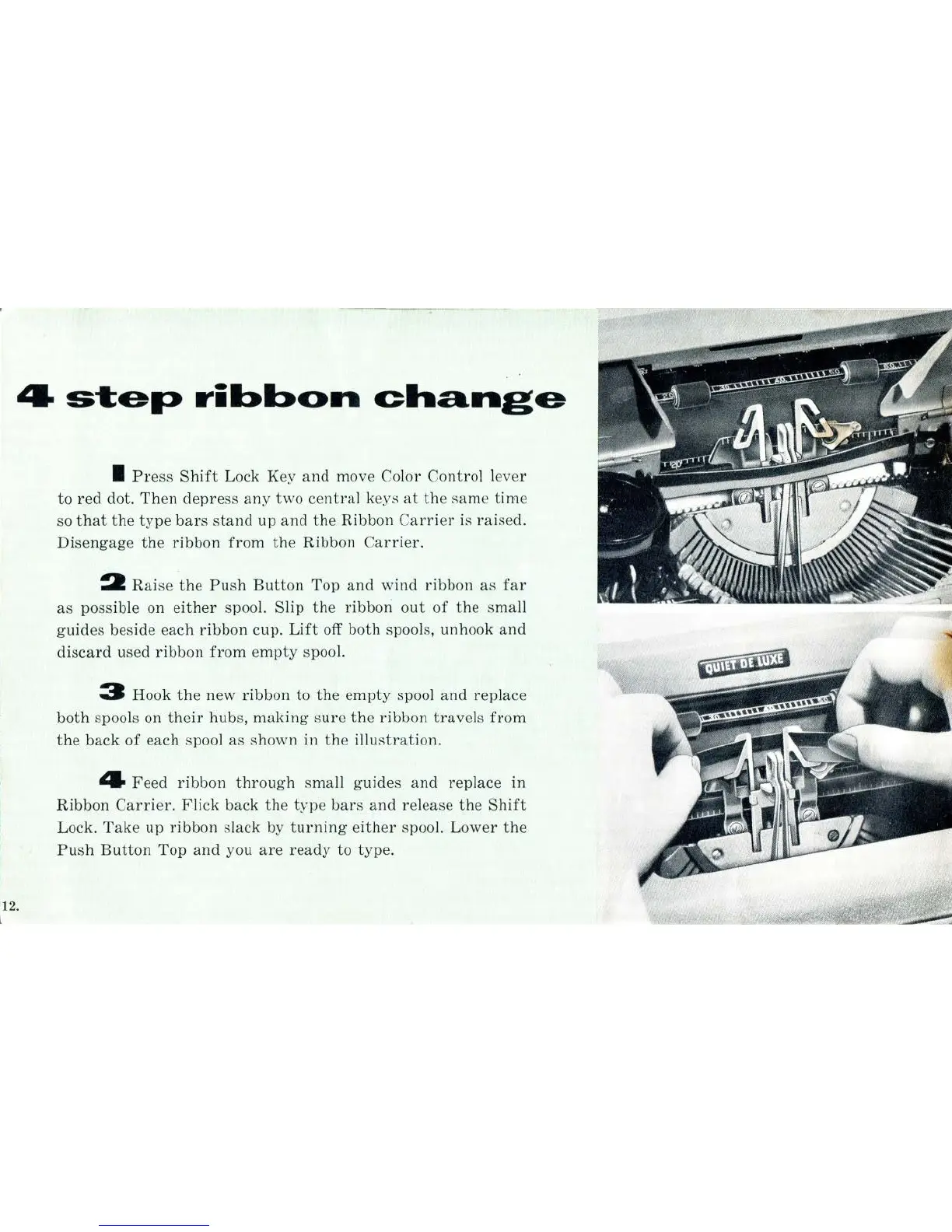
I
Press
Shift
Lock Key
and
move Color
Control
lever
to
red
dot.
Then
depress
any
two
central
keys
at
the
same
time
so
that
the
type
bars
stand
up
and
the
Ribbon
Carrier
is
raised.
Disengage
the
ribbon
from
the
Ribbon
Carrier.
2
Raise
the
Push
Button
Top
and
wind
ribbon
as
far
as
possible on
either
spool. Slip
the
ribbon
out
of
the
small
guides
beside each
ribbon
cup.
Lift
off both spools, unhook
and
discard
used
ribbon
from
empty
spool.
3 Hook
the
new
ribbon
to
the
empty
spool
and
replace
both
spools on
their
hubs,
making
sure
the
ribbon
travels
from
the
back
of
each spool as
shown
in
the
illustration.
4
Feed
ribbon
through
small
guides
and
replace m
Ribbon
Carrier.
Flick
back
the
type
bars
and
release
the
Shift
Lock.
Take
up
ribbon
slack by
turning
either
spool.
Lower
the
Push
Button
Top
and
you
are
ready
to type.

Related product manuals