EasyManua.ls Logo

Royal Portable typewriter - Care of Your Royal Portable; Royal Portable Case

Royal Portable typewriter
24 pages
Print Icon
To Next Page IconTo Next Page
To Previous Page IconTo Previous Page
Loading...
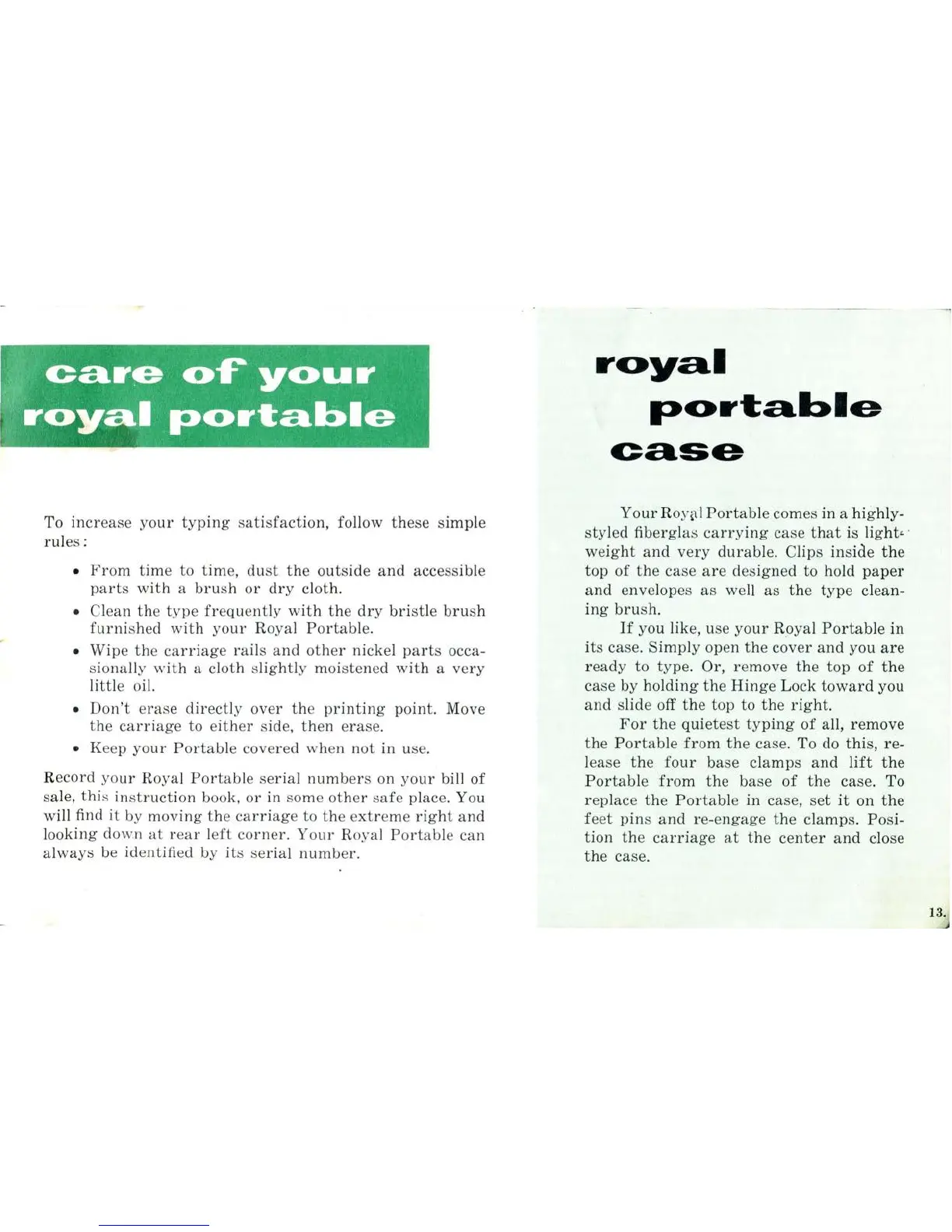
To in
crease
your
typing
sa
tisfaction,
follow
these
simp
le
rules:
From
time
to time, dust
the
outside
and
accessible
parts
with
a
brush
or
dry
cloth.
Cl
ean
the
type
frequent
ly
with
the
dry
bristle
brush
furnished
with
yo
ur
Royal
Portable.
Wipe
the
carriage
rails
and
other
nickel
parts
occa-
sionally with a cloth s
li
ghtly moistened
with
a
very
little
oi
l.
Don't
e
ra
se
directly
over
the
printing
point. Move
the
carriage
to e
ith
er side,
then
erase.
Keep
your
Portable
covered when
not
in use.
Reco
rd
yo
ur
Royal
Portabl
e
ser
ial
numb
ers on
your
bill of
sa
le,
thi
s ins
truction
book,
or
in some
other
sa
fe place. You
will find it by
moving
the
carriage
to
the
e
xtreme
right
and
looking do wn
at
rear l
eft
co
rn
er
.
Your
Ro
ya
l
Port
ab
le
can
always be identified by
it
s se
rial
numb
er.
royal
portable
case
Your
Ro
y~!
Portable
comes in a highly-
styled
fiberglas
carry
ing
case
that
is light• ·
weight
and
very
durable.
Clips
in
side
the
top
of
the
case
are
designed to hold
paper
and
envelopes
as
well
as
the
type
clean-
ing
brush.
If
you like, use
your
Ro
ya
l
Portable
in
it
s case.
Simply
open
the
cover
and
you
are
ready
to type. Or,
remove
the
top
of
the
case by
holding
the
Hinge
Lock
toward
you
and
slide off
the
top
to
the
right.
For
the
quietest
typing
of
all,
remove
the
Portable
from
the
case. To do
this,
re-
l
ease
the
four
base
clamps
and
lift
the
Portable
from
the
base
of
the
case. To
replace
the
Portable
in
case,
set
it
on
the
feet
pin
s
and
re-
en
gage
the
clamps.
Posi-
tion
the
carriage
at
the
center
and
close
the
case.
13.

Related product manuals