10
File save and open
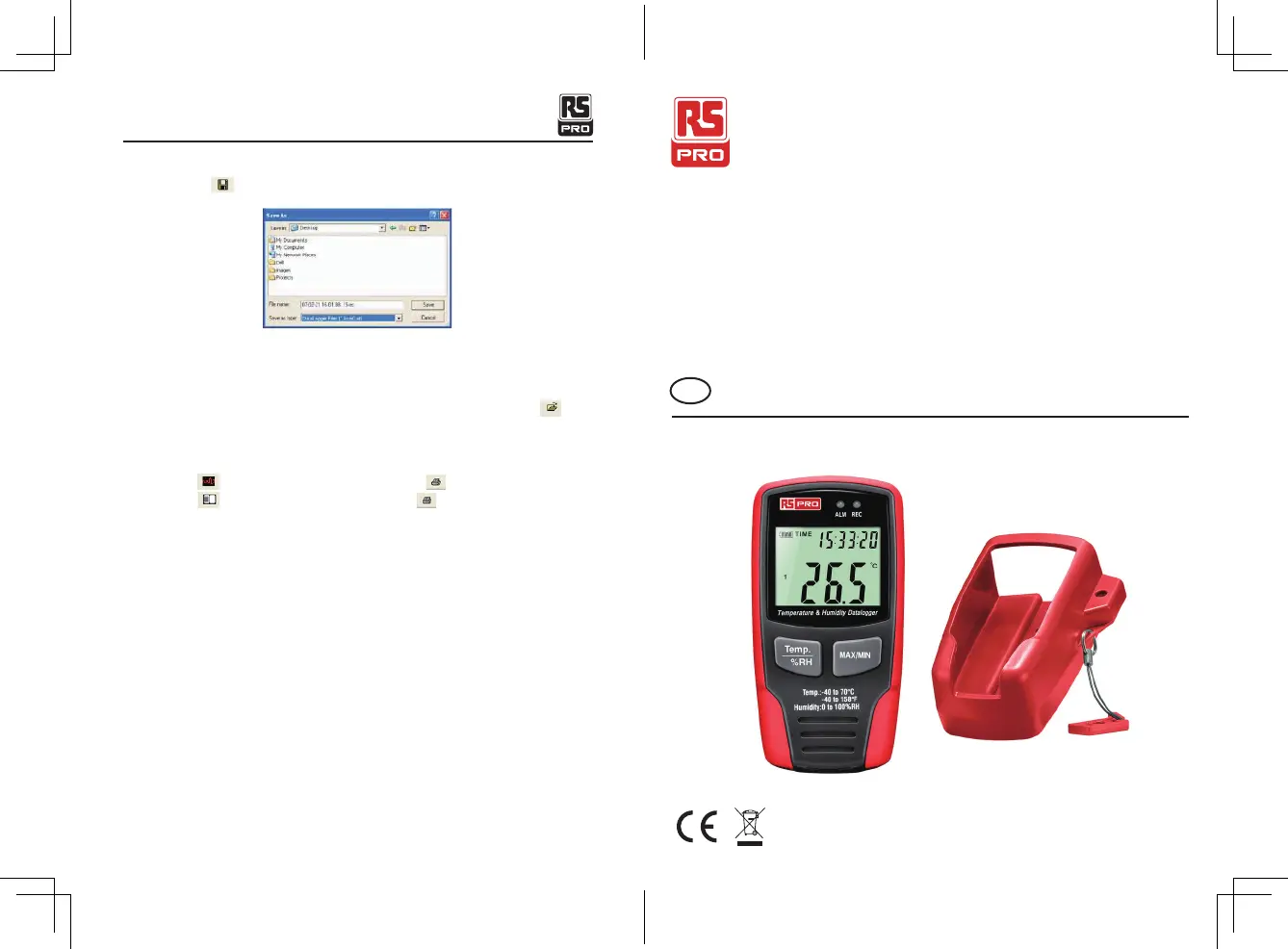
1. Click the icon
to open the 'file save' dialog box.
2. Name the file and save it with the default extension. The file will be saved with the
“.record” extension to be reopened in the HT Datalogger software program and also as a
“.xls”file to be opened in spreadsheet program or other word processing program.
To open an existing data file for viewing on the data graph window, click on the
icon.
When prompted, select a. record file saved earlier.
Print graph and list
Click the icon to show the data as a graph,then click to print the graph.
Click the icon to show the data as a list, then click to print the list.
Manuel d'instructions
RS-172 et RS-172TK
No d'inventaire: 146-9091 & 146-9089
Enregistreur de température et d'humidité
FR
Temperature & Humidity Datalogger/English
22/12/2017 Version No. 001



 To Next Page