8
Temperature and Humidity data logger / English
9-Firmware upgrade
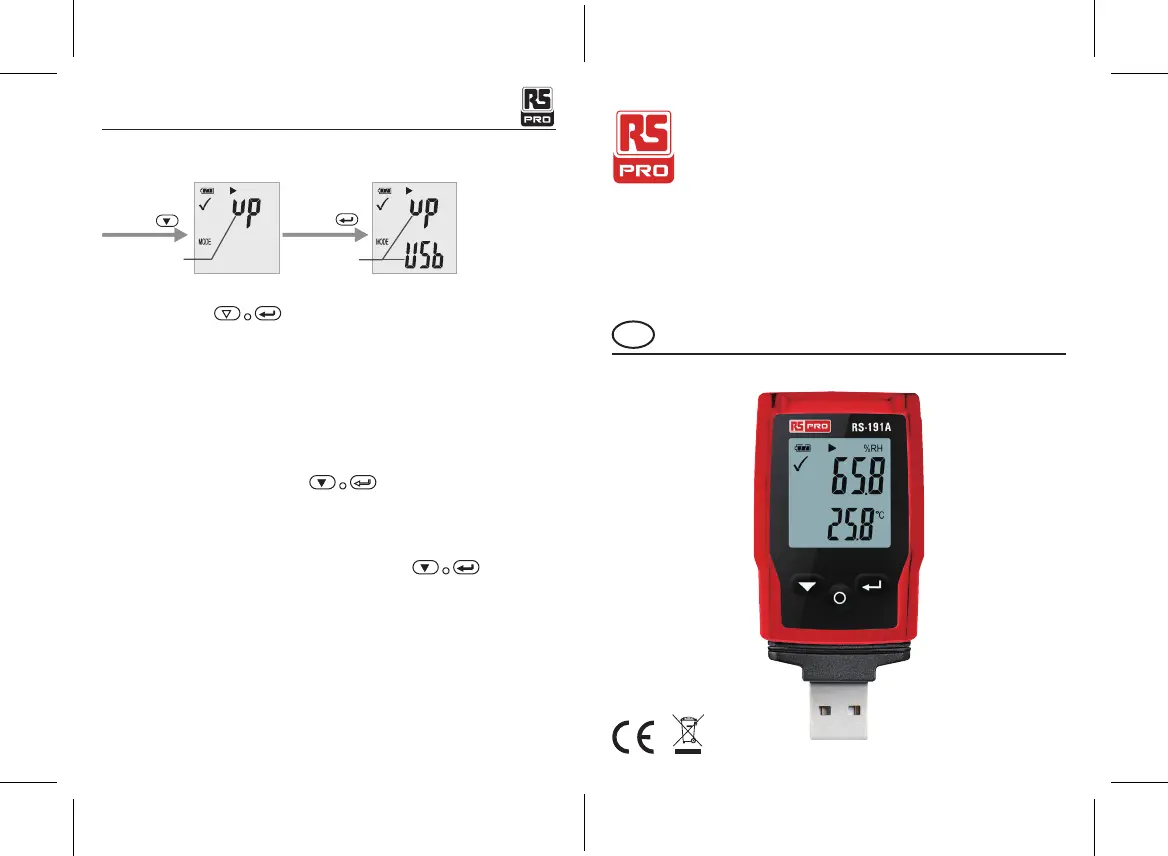
Connect PC, paste
firmware flie to
the logger disk.
Waiting 2 minutes
or red LED OFF.
Short press Long Press
Firmware
upgrade page
Firmware
upgrade page
User can also upgrade its firmware in this page.
In this page, long press and display will show “UP+USB”
Then insert the device into the PC USB port. The device will appear as a Mass Storage Device
in PC with no content.
Drag and drop the firmware to the folder.
The device will disappear in the OS. DO NOT unplug the device from PC. It takes around
After upgrade completed, Device will automatically appear as a Mass Storage Device again.
The firmware version is indicated in the left bottom corner of the .pdf test report generated.
10-Restore Default factory rmware
Remove the battery, in the following order:
1. Hold down the button (until power on) ; connect to the computer USB, the
green LED light up.
2. Waiting for 2 minutes, computer will identify the instrument USB disk.
11-Delete all data
Logger work normally on battery power. Hold down two buttons , connect to the
computer USB, the logger will delete all data.
*If waiting for 5 minutes and the instrument can’t connect to the computer, maybe need to
restore default factory firmware, or need to delete all data.
Manuel d'instructions
RS-191A
Numéro d'inventaire: 221-6358
FR
Enregistreur de données de température et d'humidité


 To Next Page