VX88-18G USER GUIDE
www.rticorp.com
14
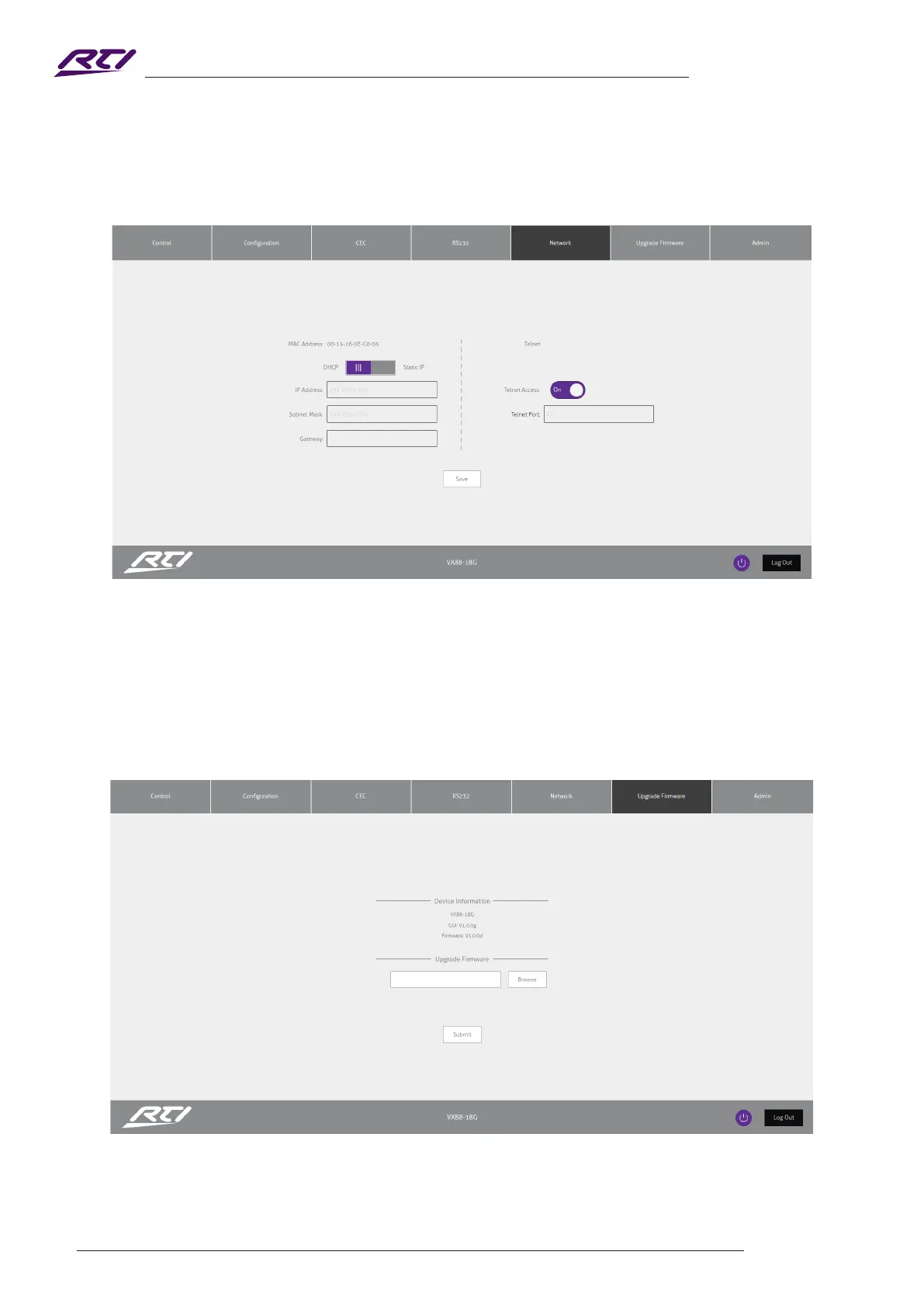
Upgrade Firmware Page
The Upgrade Firmware Page allows you to upgrade the MCU rmware of the Matrix via the Web GUI. Simply
click Browse and select the appropriate rmware le from your computer (rmware available to download from
the RTI website). Clicking Submit will send the rmware le to the Matrix and begin the upgrade process. The
upgrade process will take several minutes to complete and the Matrix will reboot once nished. Please do not
disconnect your computer, or Matrix, from the network until the rmware has been delivered successfully.
Network Page
The Network Page allows you to specify the TCP/IP network port settings. You can choose from Static IP
or DHCP, as well as specify a xed IP Address, Subnet Mask, and Gateway. It is also possible to change or
disable the Telnet port to suit the network and communication required for control.



 To Next Page