10
5.
How to Connect to an iOS Smart Phone
To connect a Ruby Calculator to an iOS Smart Phone perform the following steps.
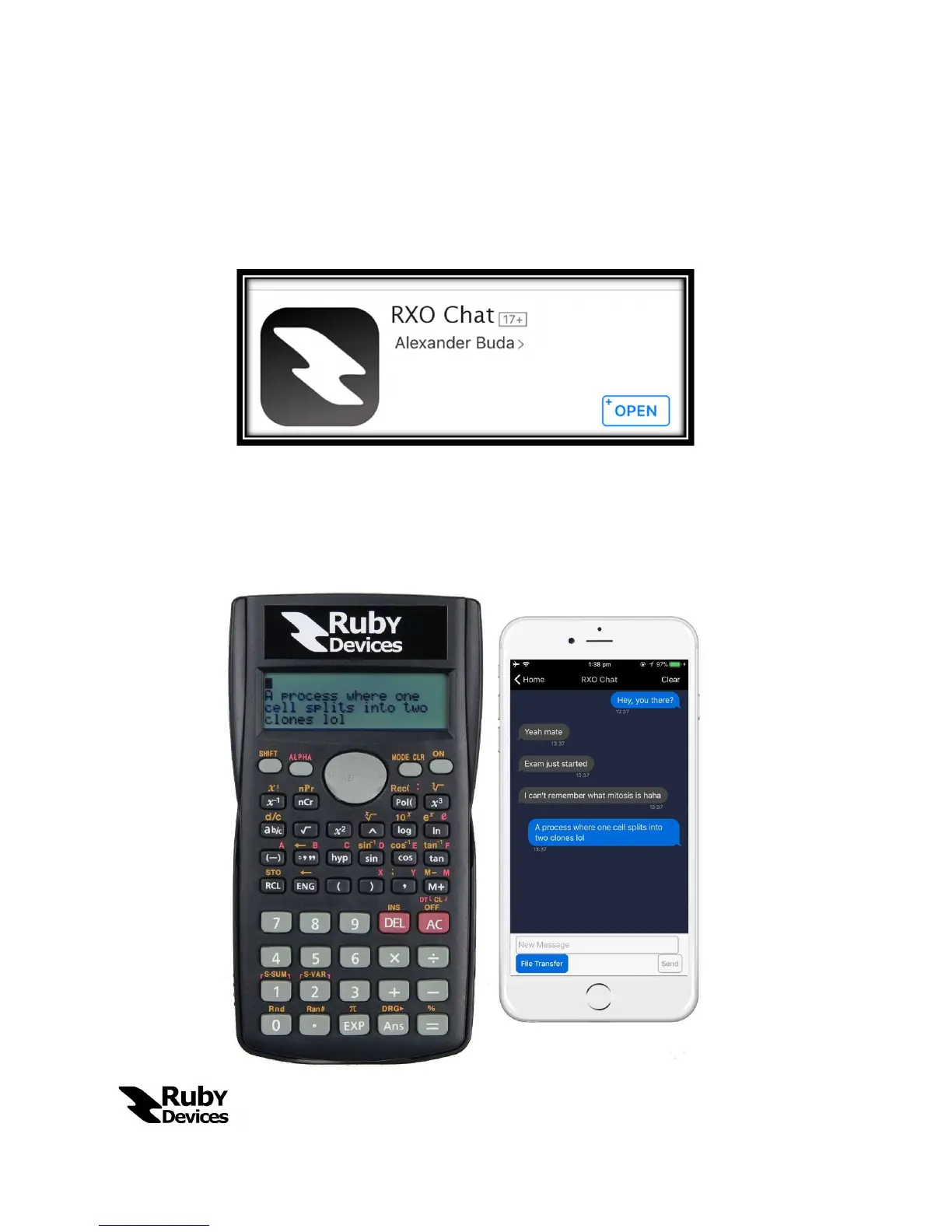
Download the app by Ruby Devices entitled “RXO Chat” from the Apple App
Store.
Switch on the Ruby Calculator and enter “Chat Mode”.
Switch on Bluetooth on the Apple device.
Start up the app and click on “Connect Now” as shown in the screenshot
below
Begin to chat.


 To Next Page