3
Hhhhhhhhhhhhhhhhhhhhhhhhhhhhhhhhhhhhhhhhhhhhhhhhh_
1.
Operating Modes
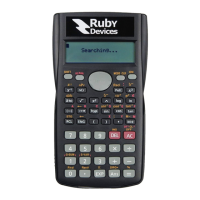
The Ruby Calculator will operate in one of three modes at any given time. The
default mode upon power up of the calculator is “Calculator Mode”. In this mode
the calculator will work as a normal scientific calculator with the limitations as
outlined in Section 10.
To form a chat session with another device the calculator will need to enter “Chat
Mode”. Prior to being able to enter chat mode, however, the calculator will need to
receive a password from the user. The default password is “123456”. Simply enter
this value into the calculator and hit the “Equals” button. (Note that this default
password may be changed; see Section 2)
Once this has been done the calculator may now enter “Chat Mode” by hitting the
“MODE/CLR” button. See Section 2 for a description of the functionality of buttons
in “Chat Mode”.
Once in Chat Mode the user may press the “SHIFT” button followed by the
“MODE/CLR” button to enter “Smash Mode”.
“Smash Mode” is a special mode for extra fast typing; see Section 3 for further
details.


 To Next Page