9
4.
How to Connect Two Ruby Calculators
To connect two Ruby Calculators to each other perform the following steps.
Power on both calculators.
Type the “Chat Mode” password on both calculators and hit the “Equals/=”
buttons. The default password is “123456” to unlock “Chat Mode”.
Enter “Chat Mode” on both calculators by hitting the “MODE/CLR” buttons.
On one of the calculators press the “ALPHA” button. This button will cause
the calculator to search for another Ruby Calculator and automatically
connect if it finds one.
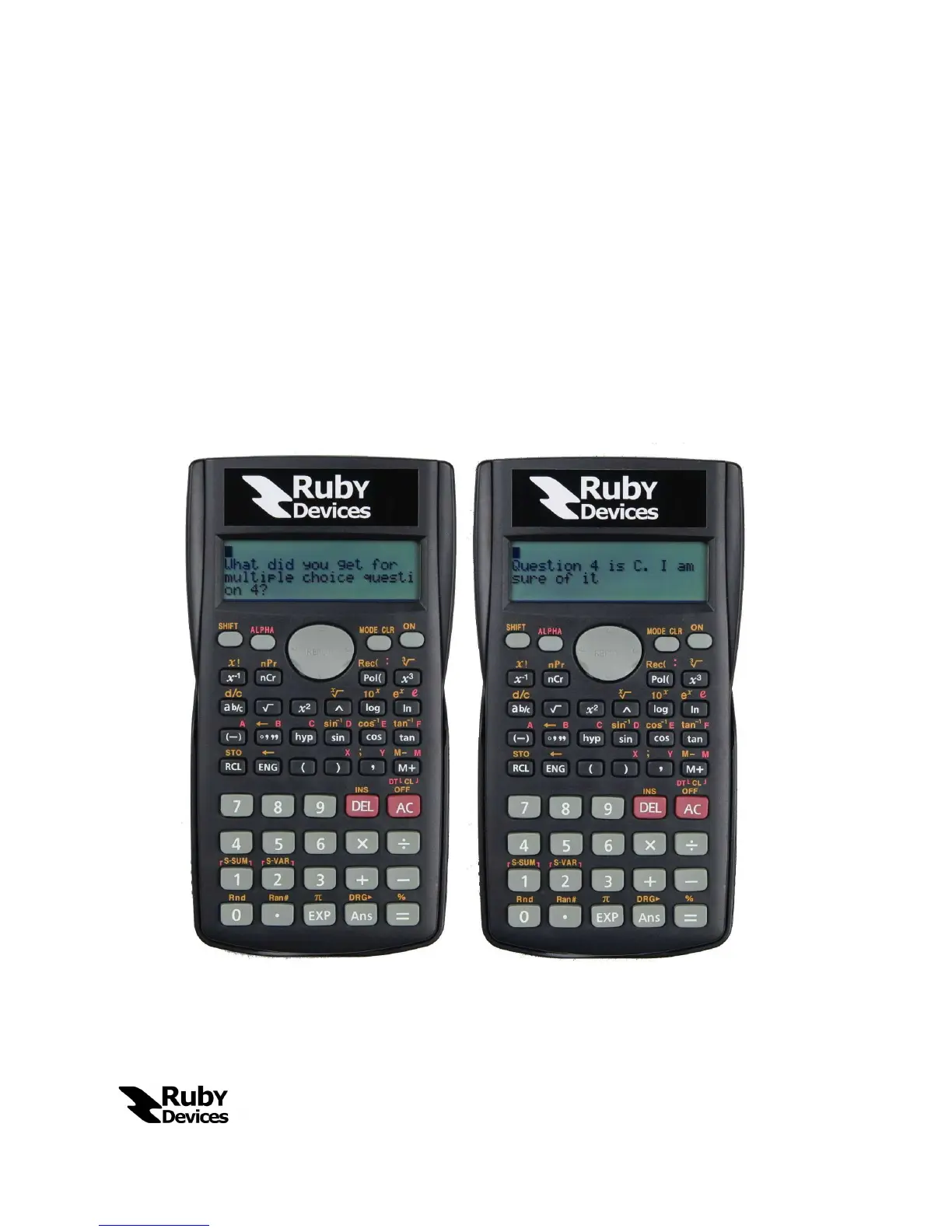
After observing the “Connection Established” message the users may begin
sending messages. The “Equals” button will send a typed message.


 To Next Page