14
9.
How to Connect to a PC or Mac
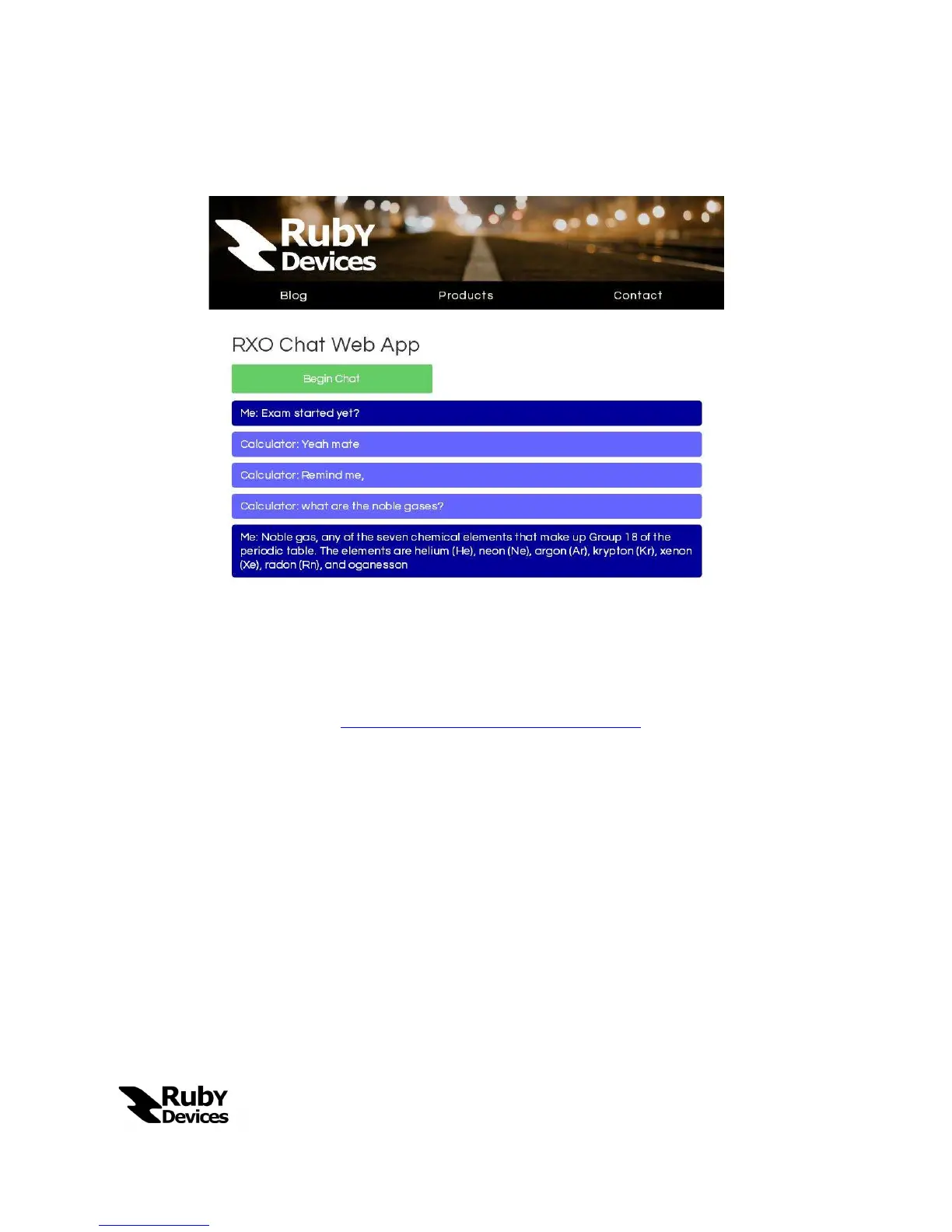
To connect your Ruby Calculator to a PC or Mac you will need to use the “RXO Chat
Web App”. To access the web app perform the following steps:
Open up a browser session on your PC or Mac and navigate to the following
URL:
www.rubydevices.com.au/rxo-chat.php
Log in to the Web App using your Tunnel and Internet Mode credentials.
Next, start RXO Chat on a smart phone and connect to your Ruby Calculator
in Tunnel Mode as described in Section 8.
Messages sent will now traverse between the computer and calculator.


 To Next Page