4. SETTING
Press the key SET to enter to Setting menu.
Select different settings by pressing ◄, ► (L/R, 0SET).
Press ▲, ▼ (HOLD, V/%) to choose different options in a specific setting.
Press SET again to confirm the settings.
4.1 Backlight and Crosshair Light
Press the key to turn on the screen backlight and crosshair light.
Press it again to turn them off.
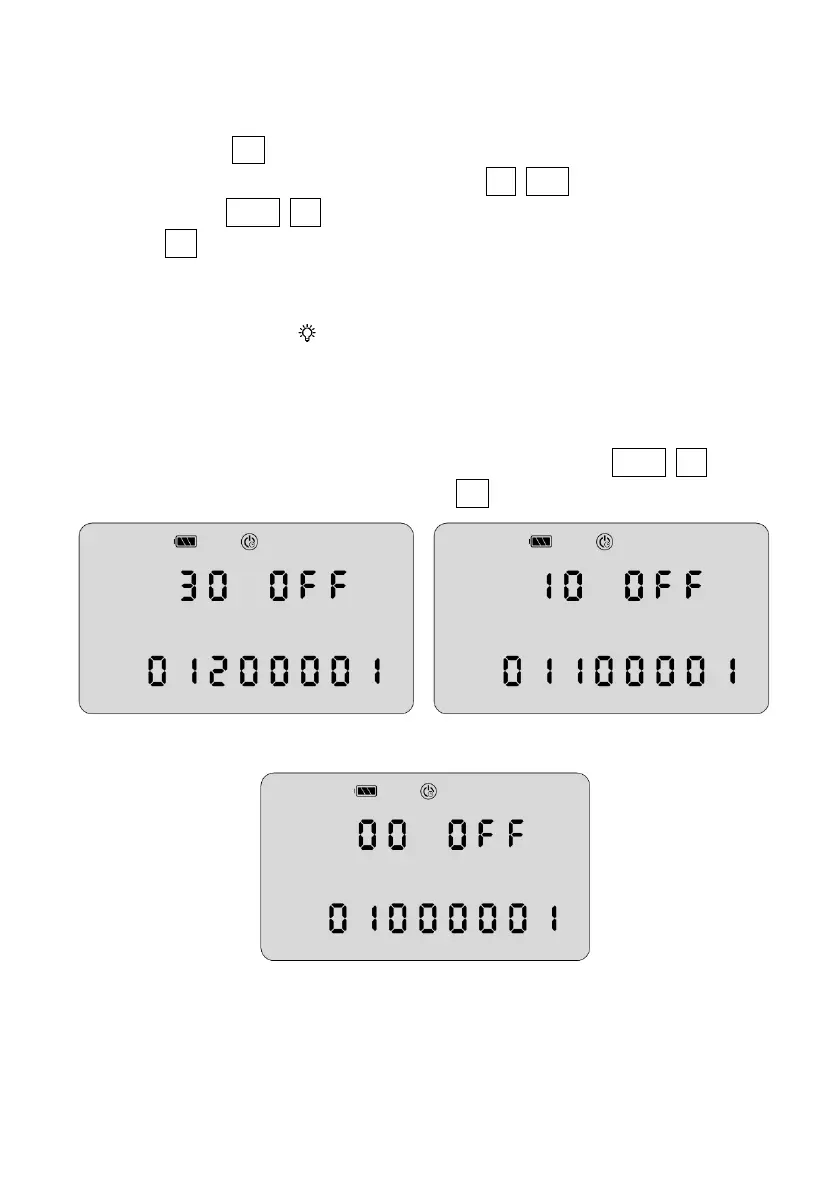
4.2 Auto Power Off
There’re 3 options for Auto Power Off. Press ▲, ▼ (HOLD, V/%) to shift
different options, and then press SET to confirm the setting.
30min without operation 10min without operation
Disabled (Always On)
4.3 Sector Beep
In this function, a beeping will be activated when the horizontal angle



 To Next Page