EasyManua.ls Logo

Ruijie RG-S2928G-E - User Manual

Ruijie RG-S2928G-E
39 pages
Print Icon
To Next Page IconTo Next Page
Loading...
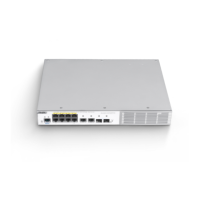
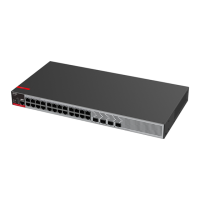
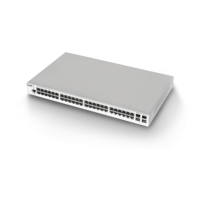
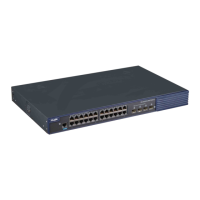
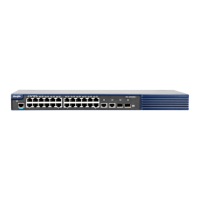
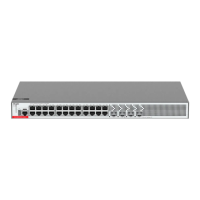
RG-S2900G-E Series Switch
Hardware Installation and Reference Guide V1.25

Questions and Answers

  • C
    Christopher JordanAug 12, 2025
    What to do if I forgot my Ruijie RG-S2928G-E Switch password?
    • N
      Nichole MoodyAug 13, 2025
      If you've forgotten the manually configured password for your Ruijie Switch's management interface, please contact Ruijie Networks Customer Service Department for technical support.
  • A
    Andrea DunnAug 21, 2025
    Why is the status indicator red on my Ruijie RG-S2928G-E?
    • R
      robert20Aug 21, 2025
      If the status indicator on your Ruijie Switch is red, it could be due to a fan or temperature alarm. Here's what to check: * Verify the fan is not blocked or damaged. * Ensure the switch's working environment is properly cooled and clean any dust from the cabinet to improve refrigeration.
  • A
    Angela ThompsonAug 30, 2025
    How to fix a Ruijie Switch when the status indicator is not on?
    • C
      Caleb WalshAug 30, 2025
      If the status indicator on your Ruijie Switch isn't lighting up after startup, it might be due to the power supply module not providing power or a loose power cable. Check the power socket in the equipment room to ensure it's working. Also, verify that the switch's power cable is securely connected.

Ruijie RG-S2928G-E Specifications

General IconGeneral
Switching Capacity56 Gbps
Forwarding Rate42 Mpps
LayerLayer 2
Power SupplyAC 100-240V, 50/60Hz
MAC Address Table Size16K
Packet Buffer Memory4 MB
Operating Temperature0°C to 45°C
Storage Temperature-40°C to 70°C
Ports24 x 10/100/1000Base-T ports
Dimensions (W x D x H)440 mm x 260 mm x 44 mm
VLAN4K
Power ConsumptionMax 30W
Operating Humidity10% to 90% non-condensing
Storage Humidity5% to 95% non-condensing

Related product manuals