EasyManua.ls Logo

Ruijie RG-S5000-24GT4MS-E - User Manual

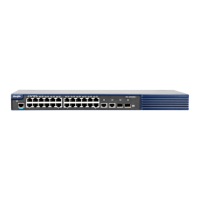
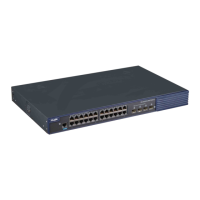
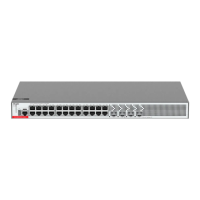
Ruijie RG-S5000-24GT4MS-E
53 pages
Print Icon
To Next Page IconTo Next Page
Loading...
Ruijie RG-S5000-E Series Switches
Hardware Installation and Reference Guide

Questions and Answers

  • D
    Dennis BradleyAug 9, 2025
    What to do if the status LED is red on my Ruijie RG-S5000-24GT4MS-E Switch?
    • G
      Gary Ramirez Jr.Aug 9, 2025
      If the status LED on your Ruijie Switch is red, it indicates either a fan alarm or a temperature alarm. * For a fan alarm, check if the fan is blocked or damaged. * For a temperature alarm, services on the switch have been stopped. Check the working environment of the switch promptly.
  • R
    Rebecca McintyreAug 26, 2025
    What to do if the status LED is off on Ruijie Switch after powering on?
    • G
      Grant WrightAug 26, 2025
      If the status LED is off after you power on the Ruijie Switch, it could be due to: 1. No power being supplied to the device. Check if the power socket in the equipment room is working correctly. 2. A loose power cable. Ensure the power cord of the switch is properly connected.

Ruijie RG-S5000-24GT4MS-E Specifications

General IconGeneral
ModelRG-S5000-24GT4MS-E
Switching Capacity128 Gbps
MAC Address Table16K
Power SupplyAC 100-240V, 50/60Hz
Operating Temperature0°C to 45°C
Storage Temperature-40°C to 70°C
Operating Humidity10% to 90% (non-condensing)
Storage Humidity5% to 95% (non-condensing)
Ports24 x 10/100/1000BASE-T ports, 4 x 10GE SFP+ ports
VLAN4K
Weight3.5 kg

Related product manuals