Copyright ©2022 Ruko All Rights Reserved.
18
1088 User Manual
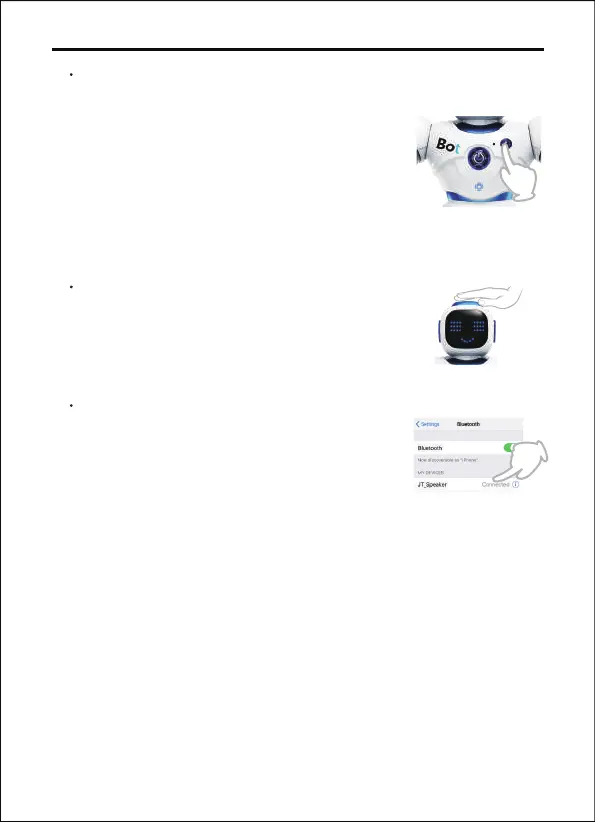
Record Button
Long press the record button on the robot
and the robot will start recording after
"beep". Short press the Record button to
end, 15 seconds are the maximum recording
time.Press the Record button to play the
message recorded.
Touch Sensitive
When you touch the head of the robot, the
robot will play several sound effects for a
total of five sound effects.
Bluetooth Playback
Open the Bluetooth settings and connect
your phone to the device, "JT_Speaker". The
robot will then function as a Bluetooth
speaker.


 To Next Page
 Loading...