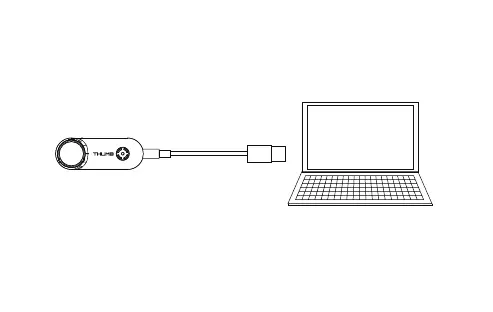
Connect to the computer
After turning on Thumb, connect it to the computer with a USB cable and it will be
recognized as a removable disk.
Note: If it cannot be recognized after connecting to the computer, please confirm that there is a microSD card inserted in the
Runcam Thumb; if the files in the microSD card cannot be read normally, please replace the USB cable or the computer USB
interface and try again.


 To Next Page