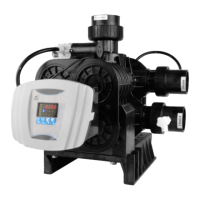
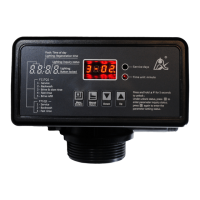
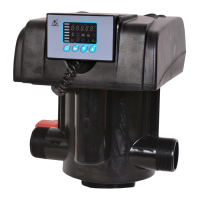
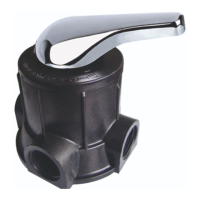
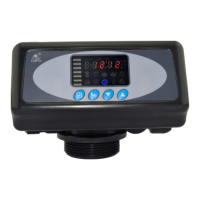
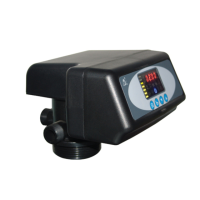
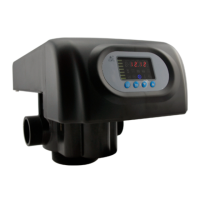
MODEL 51240B/53540B/53640B/61240B/63540B/63640B
38
1. In water treatment capacity display status, it shows
and 400.0. Press and enter into program set mode.
and 400 flash;
2. Press or to adjust the water treatment capacity
value(m
3
);
3. Press , decimal value flashes. Press or to
adjust the decimal value;
4. Press and hear a sound “Di”, then finish
adjustment, press to turn back.
1. In backwash time display status, it shows and
2-10:00. Press and enter into program set mode.
and 10 flash;
2. Press or to adjust the backwash minute time ;
3. Press , 00 flash. Press or to adjust the
settling bed second value;
4. Press and hear a sound “Di”, then finish
adjustment, press to turn back.
1. In Brine Draw Time display status, it shows and
3-60:00. Press and enter into program set mode.
and 60 flash;
2. Press or to adjust the brine draw minute time;
3. Press , 00 flash. Press or to adjust the brine
draw second value;
4. Press and hear a sound “Di”, then finish
adjustment, press to turn back.
1. In Slow Rinse Time display status, it shows 4-45:00.
Press and enter into program set mode. and
45 flash;
2. Press or to adjust the slow rinse minute time;
3. Press , 00 flash. Press or to adjust the slow


 To Next Page
 Loading...