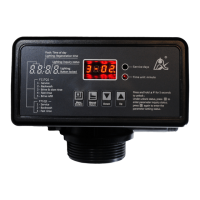
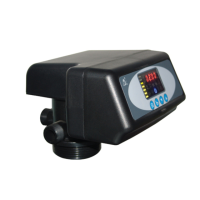
MODEL: 63518-N77A1 /63618-N77A3/ 53518-N77B1
32
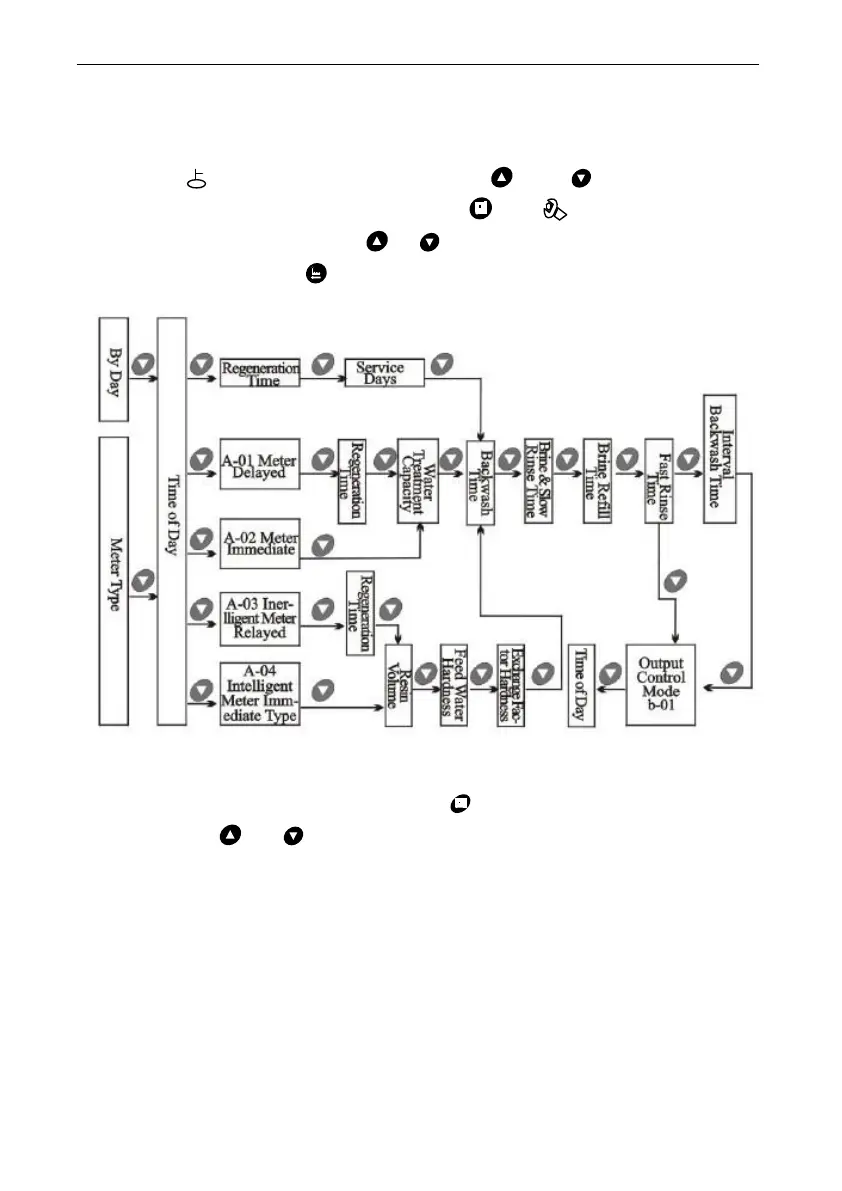
3.5. Parameter Enquiry and Setting
3.5.1. Parameter Enquiry
When light on, press and hold both and for 5 seconds to
lift the button lock status; then press and light on, enter to
program display mode; press or to view each value according to
below process.(Press exit and turn back to service status)
3.5.2.Parameter Setting
In program display mode, press and enter into program set
mode. Press or to adjust the value.


 To Next Page