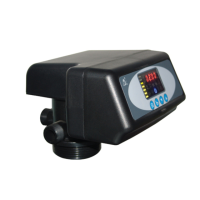
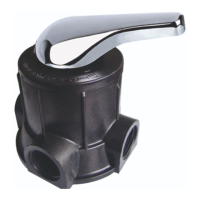
MODEL:F67Q/F71Q/F68Q/F69Q/F116Q/F117Q
19
Press and hold both and for 5 seconds to unlock the buttons.
In program set mode, press to return to program inquiry mode; in
program inquiry mode, press to return to menu mode.
Press while adjusting the values, then it will return to program
inquiry mode directly without saving values. Press , it will save the
values and return to program inquiry mode.



 To Next Page