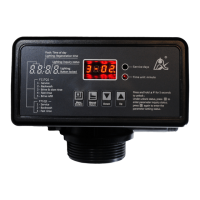
MODEL: 63518-N77A1 /63618-N77A3/ 53518-N77B1
12
2. Basic Setting & Usage
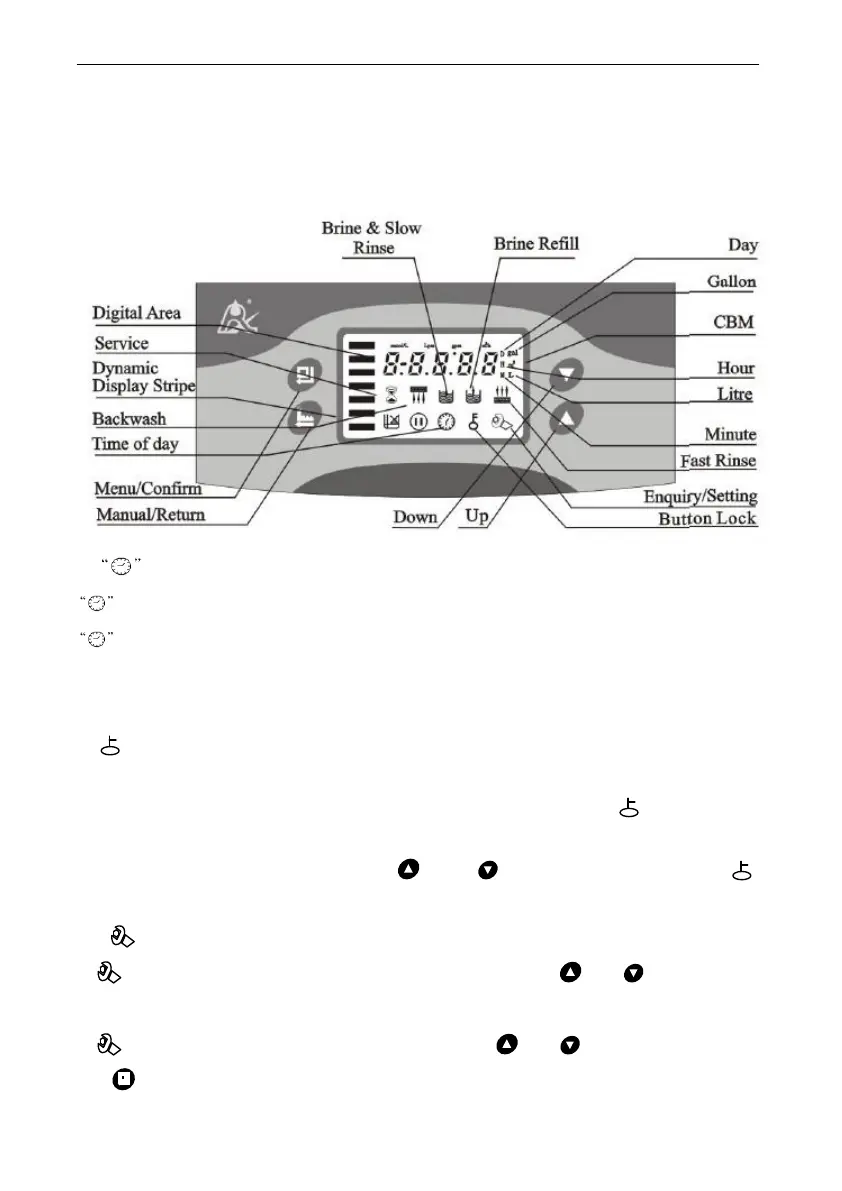
2.1. The Function of PC Board
A. Time of day indicator
Light on,display the time of day.
Light flash,remind you to reset the time of day if electrical service
interrupted 3 days more (If electrical service interrupted within 3 days, it
doesn’t need to reset the time.)
B. Button lock indicator
Light on, indicate the buttons are locked. At this moment, press any
single button will not work (No operation in one minute, will light on
and lock the buttons.)
Solution:Press and hold both and for 5 seconds until the
light off.
C. Program mode indicator
Light on,enter program display mode. Use or to view all
values.
Flash, enter program set mode. Press or to adjust values.
D. Manu/Confirm button



 To Next Page