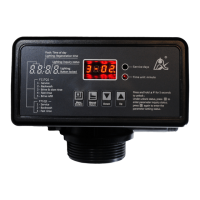
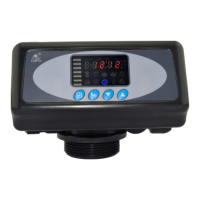
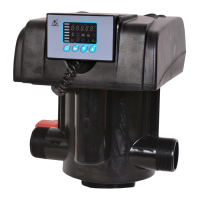
MODEL: 63518-N77A1 /63618-N77A3/ 53518-N77B1
33
3.5.3.The Steps of Parameter Setting
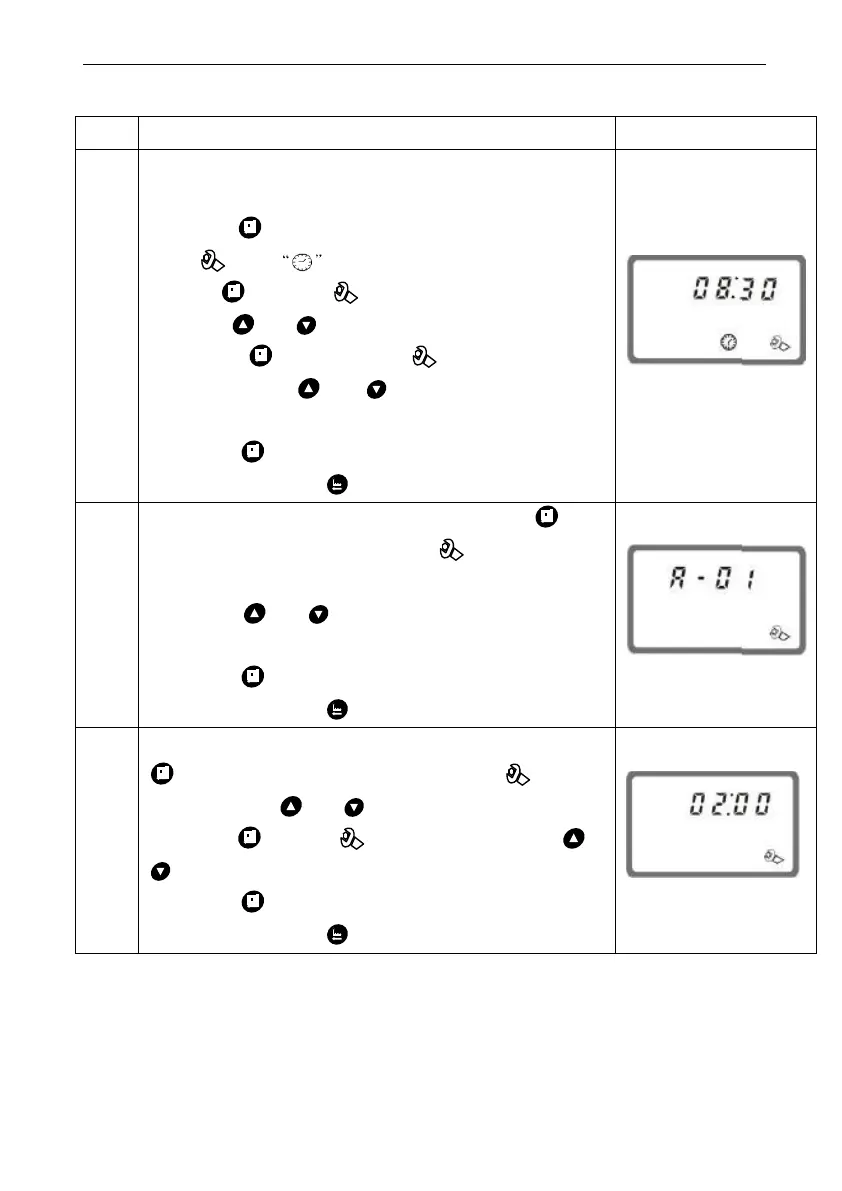
When time of day “12:12” continuously flash, it
reminds to reset;
1. Press to enter into program display mode;
both and symbol light on,“:”flash;
Press , both and hour value flash,
through or to adjust the hour value;
2. Press again, both and hour value
flash, through or to adjust the minute
value;
3. Press and hear a sound “Di”, then finish
adjustment, press to turn back.
1. In control mode display status, press and
enter into program set mode, and 01 value
flash;
2. Press or ,set the value to be A-01,
A-02, A-03 or A-04 control mode
3. Press and hear a sound “Di”, then finish
adjustment, press to turn back.
1. 1. In regeneration time display status, press
and enter into program set mode. and 02
flash;Press or to adjust the hour value;
2. Press again, and 00 flash, press or
to adjust the minute value;
3. Press and hear a sound “Di”, then finish
adjustment, press to turn back.



 To Next Page