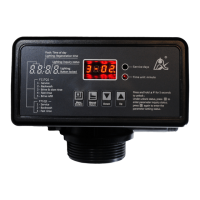
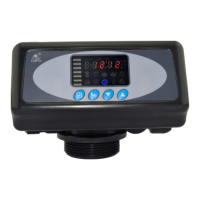
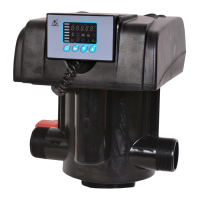
MODEL: 63518-N77A1 /63618-N77A3/ 53518-N77B1
35
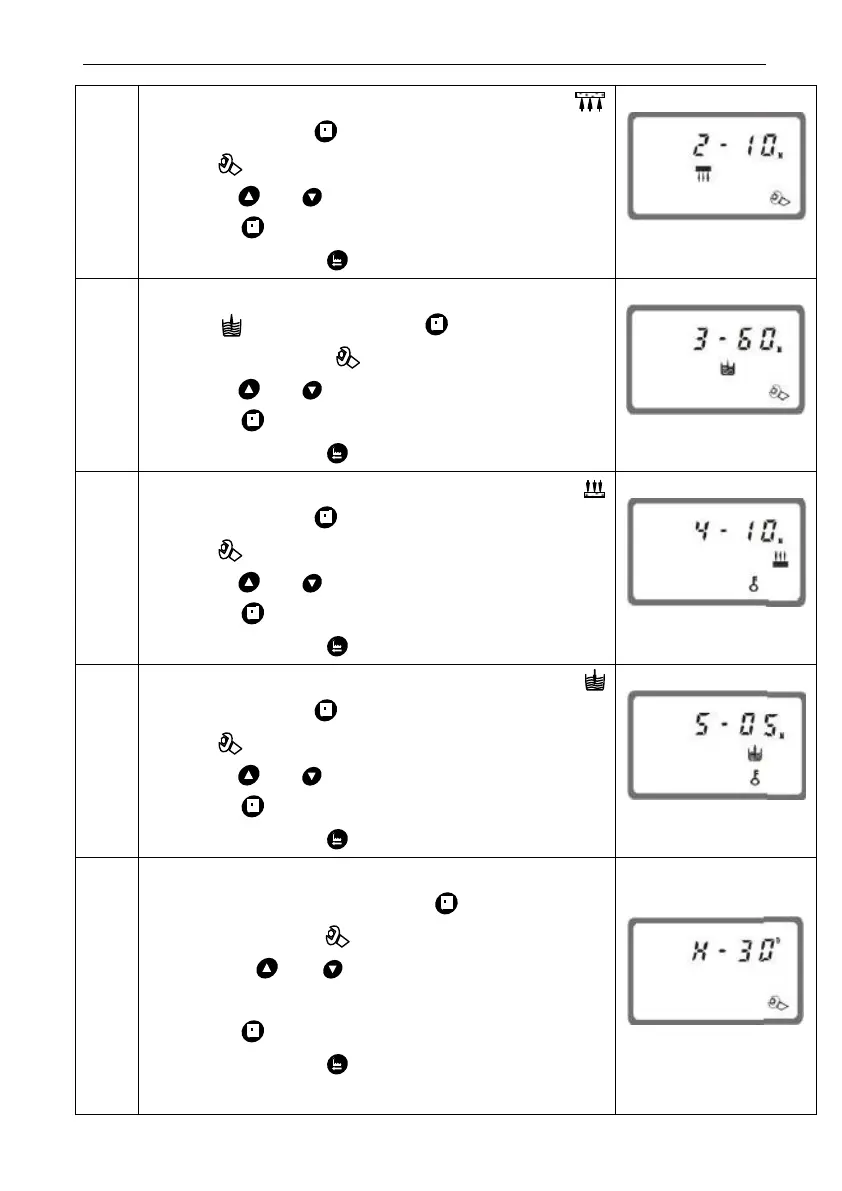
1. In backwash time display status, it shows
and 2-10. Press and enter into program set
mode. and 10 flash;
2. Press or to adjust the backwash time;
3. Press and hear a sound “Di”, then finish
adjustment, press to turn back.
1. In brine& slow rinse time display status, it
shows and 3-60 Press and enter into
program set mode. and 60 flash;
2. Press or to adjust the brine time;
3. Press and hear a sound “Di”, then finish
adjustment, press to turn back.
1. In fast rinse time display status, it shows
and 4-10. Press and enter into program set
mode. and 10 flash;
2. Press or to adjust the fast rinse time;
3. Press and hear a sound “Di”, then finish
adjustment, press to turn back.
1. In brine refill time display status, it shows
and 5-05, Press and enter into program set
mode. and 05 flash;
2. Press or to modify the brine refill time;
3. Press and hear a sound “Di”, then finish
adjustment, press to turn back.
Maxim
um
Interv
al
Regen
eratio
n
Days
1. In maximum Interval regeneration days display
status, it shows H-30. Press and enter into
program set mode. and 30 flash;
2. Press or to adjust the Interval
regeneration days;
3. Press and hear a sound “Di”, then finish
adjustment, press to turn back.



 To Next Page