9
Before Installation Begins
Failure to read and follow all instructions carefully could cause personal injury
and/or property damage.
NOTE: All wiring must comply with national, state and local codes..
Mounting Recommendations
• Install thermostat on an interior wall approximately 5 feet above the floor
• Place away from drafts or direct sunlight
• Do not install behind doors or other objects
Electrical Specication
• Input Voltage — 22 VAC to 26 VAC (24 VAC typical)
• AC Line Frequency — 50/60 Hz
• WiFi — 802.11 b/g/n 2.4 GHz
What to expect once you are connected
Control From Anywhere
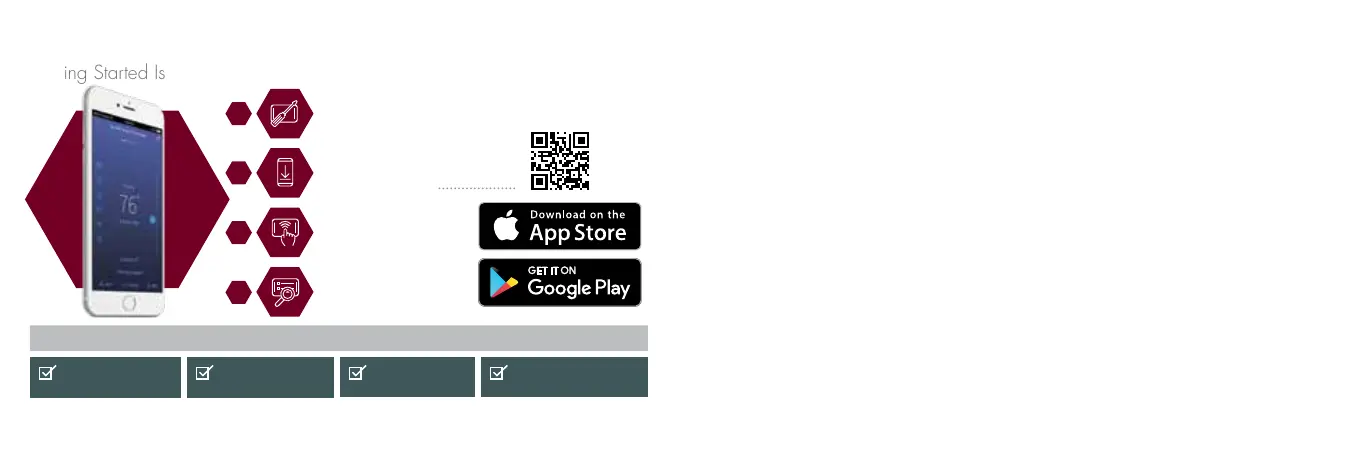
Getting Started Is Easy
Weather forecast
on your thermostat
Complete control
via the EcoNet app
Works with
Amazon Alexa
Real-time notifications
on your phone
SCAN for app
Have your new
EcoNet Smart
Thermostat installed
Download the
EcoNet app and
create your account
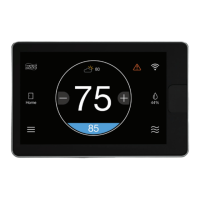
Touch the WiFi icon
on your thermostat
Follow the steps on
your thermostat and
app to complete setup
Apple and the Apple logo are trademarks of Apple Inc., registered in the U.S. and other countries.
App Store is a service mark of Apple Inc., registered in the U.S. and other countries.
Google Play and the Google Play logo are trademarks of Google LLC.
4
3
2
1


 To Next Page