28
Wiring
5.0 SYSTEM START-UP AND REFRIGERANT CHARGING
5.1 System Start-Up Overview
Once the system hardware and wiring has been properly
installed, the next step is to start the system up, verify
indoor air-flow, and adjust the refrigerant charge. To
assure optimum comfort, efficiency, and reliability, it
is extremely important to follow the procedures in this
section to assure the indoor air-flow and refrigerant
charge are correct.
5.2 Initial Power-Up
and EcoNet
™
Communication
Verication
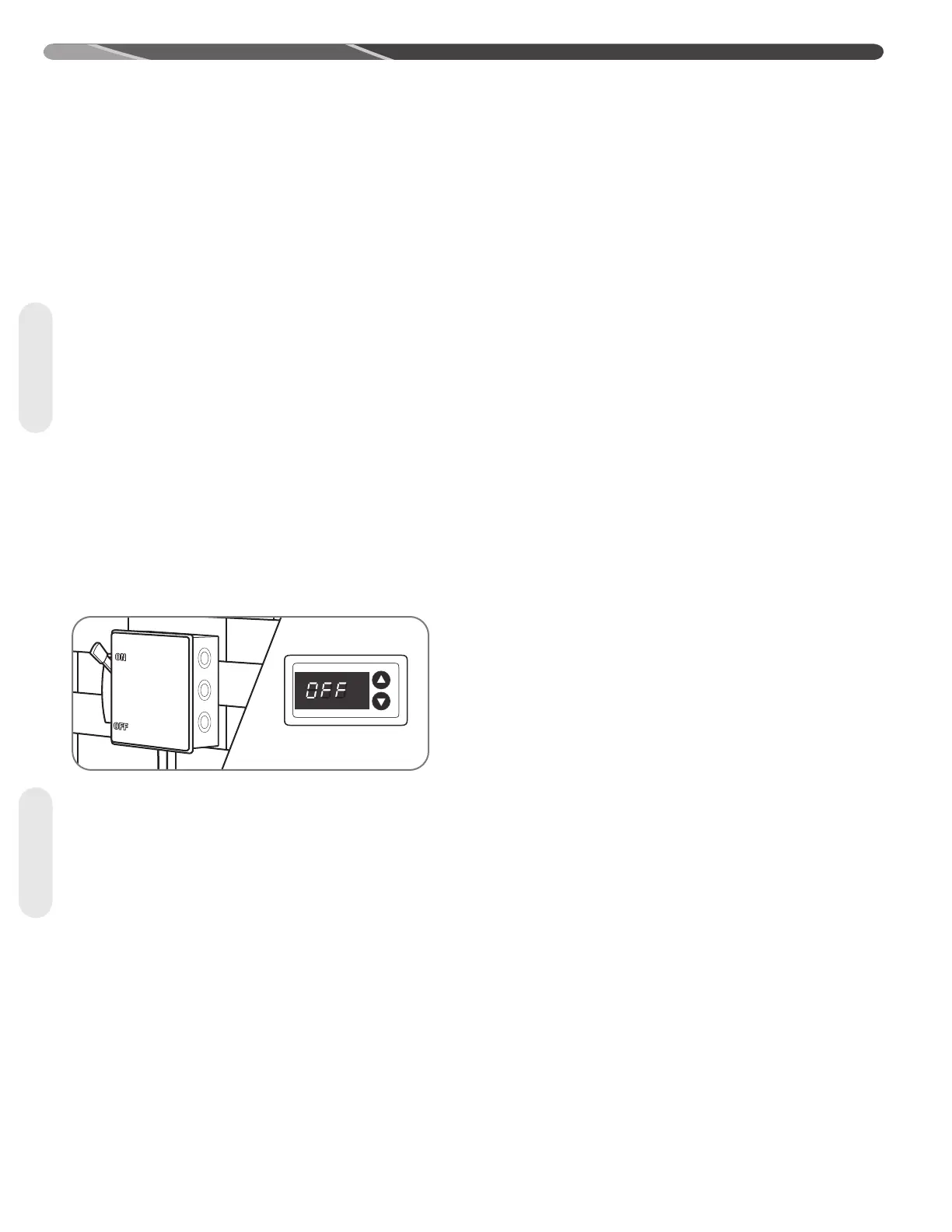
After all installation steps have been completed, apply
electrical power to the indoor and outdoor units. The
EcoNet
TM
Control Center or thermostat should be
switched to the off position initially. Within 45 seconds
of power being applied, the EcoNet
TM
Control Center
should detect the indoor and outdoor units.
IMPORTANT: It is recommended to wait
at least 12 hours after electrical power is applied to the
outdoor unit before starting the compressor to assure
any liquid refrigerant inside the compressor has been
driven out by the compressor stator heat.
5.3 EcoNet
™
Control Center Set-
Up
Follow the set-up instructions included with the
EcoNet
TM
Control Center prior to starting system.
Cooling dehumidification must be disabled for indoor
air-flow verification and refrigerant charging. The indoor
air-flow trim adjustment should be set to 0% for indoor
air-flow verification, but should be adjusted prior to
refrigerant charging should the application require an
adjustment to the indoor air-flow.
5.4 Initial System
Start-Up
Using the EcoNet™ Control Center service menu (See
Section 5.5 below) or using the thermostat (See Section
5.6 below), put the system into the charging mode
which will force it to operate at 100% capacity and
indoor air-ow which is necessary for accurate indoor
air-ow verication and refrigerant charging. Check to
make sure "On-Demand Dehumidication" is turned off
in the EcoNet™ Control Center (or on the air-handler
or gas furnace control board for conventional 24VAC
control applications).
Start-Up


 To Next Page