EasyManua.ls Logo

Rx Count Rx-4 - User Manual

Rx Count Rx-4
12 pages
Print Icon
To Next Page IconTo Next Page
Loading...
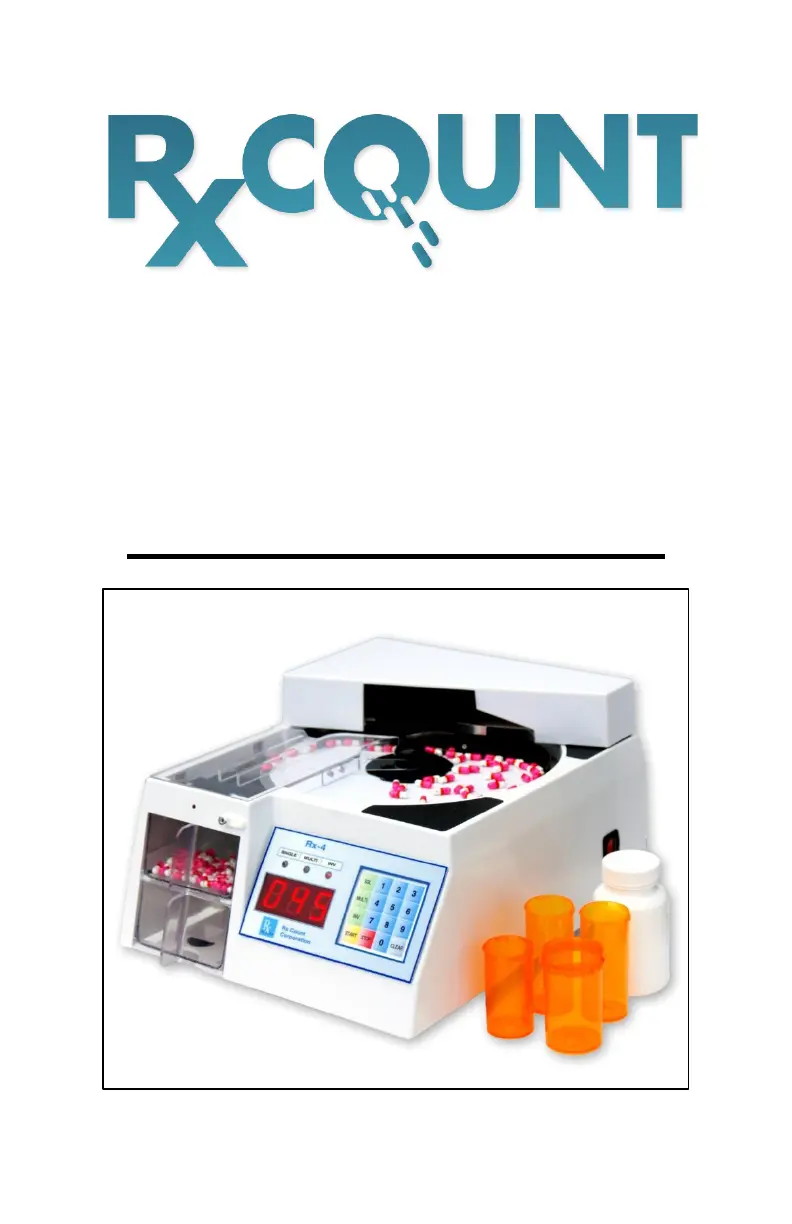
Rx-4
Automatic
Tablet & Capsule Counter
OPERATORS MANUAL

Questions and Answers

  • S
    Stephen PhillipsAug 10, 2025
    Why does my Rx Count Medical Equipment count by itself?
    • K
      Kenneth DicksonAug 10, 2025
      If your Rx Count Medical Equipment is counting by itself, the sensor may be triggered by foreign material or pill residue. Turn off the power and clean the sensor.
  • D
    David HolmesAug 16, 2025
    How to fix no power on Rx Count Medical Equipment?
    • D
      Denise ShieldsAug 16, 2025
      If your Rx Count Medical Equipment has no power, first, check the power cord and ensure it is firmly inserted into a working, grounded AC outlet. Second, check the fuse in the rear of the unit and replace it with a 1 amp fuse only.
  • J
    Jeffrey ScottAug 21, 2025
    What to do if the auto-gate does not open on Rx Count Medical Equipment?
    • K
      kristina34Aug 22, 2025
      If the auto-gate on your Rx Count Medical Equipment doesn't open, turn off the power and clean the sensor.
  • N
    natasha36Aug 27, 2025
    What to do if Rx Count Medical Equipment dispenses pills but doesn't count, or the sensor signal lamp stays on?
    • C
      Calvin RobertsAug 28, 2025
      If your Rx Count Medical Equipment dispenses pills but doesn't count, or if the sensor signal lamp stays on, turn off the power and clean the sensor.
  • P
    Peter WalkerSep 3, 2025
    Why is my Rx Count Medical Equipment miscounting or undercounting?
    • D
      deanmichaelSep 3, 2025
      If your Rx Count Medical Equipment is miscounting or undercounting, ensure that pills are on the turntable before pressing START. Also, check that the Separator Tab is in the correct position and adjust it accordingly.

Summary

Package Contents

Machine Description

Operating Controls

Operating Instructions

Adjusting the Separator Tab

Instructions for adjusting the separator tab for capsules, flat, and small pills.

Selecting Operation Mode

Details on using Single, Multiple, and Inventory modes for counting.

Machine Components

Using the Vial Drawer

Cleaning Instructions

Cleaning the Sensor

Operating Tips

Troubleshooting Guide

No Power Issues

Steps to resolve issues when the unit does not power on.

Counting Errors

Addresses problems like miscounts, unit counting by itself, or auto-gate not opening.

Safety Considerations

Service and Warranty

Rx Count Service Guarantee

Details the warranty period and conditions for the Rx-4 machine.

Rx Count Rx-4 Specifications

General IconGeneral
CategoryMedical Equipment
TypePill Counter
DisplayLCD Touchscreen
Power Supply100-240V AC, 50/60Hz
ConnectivityEthernet, USB