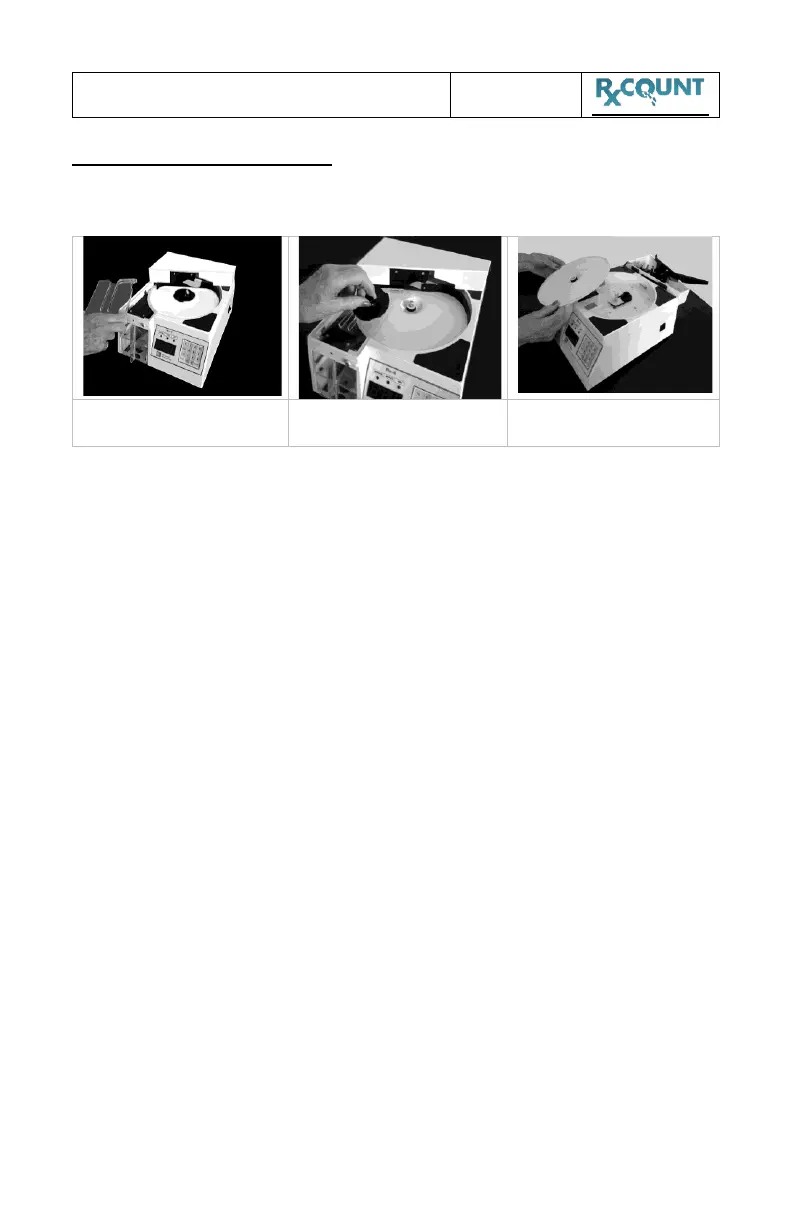
1 Tilt back Auto-Gate Assembly
2 Remove any powder build-up off the bottom of gate.
3 Remove and clean Sensor Cover
4 Remove and clean Sorting Wheel
5 Remove and clean Turntable Disc
The discs and plastic parts may be cleaned with a lint-free damp cloth.
ALWAYS clean both top and bottom of removed parts. Drawers should
be cleaned often to avoid contamination. Before replacing, be certain
that all parts are dry.
DO NOT USE ACETONE
WHICH WILL DAMAGE PLASTIC ITEMS


 To Next Page