ASSEMBLY INSTRUCTIONS
9
4. Tighten the clamp screws evenly, until the J-handle
is secure.
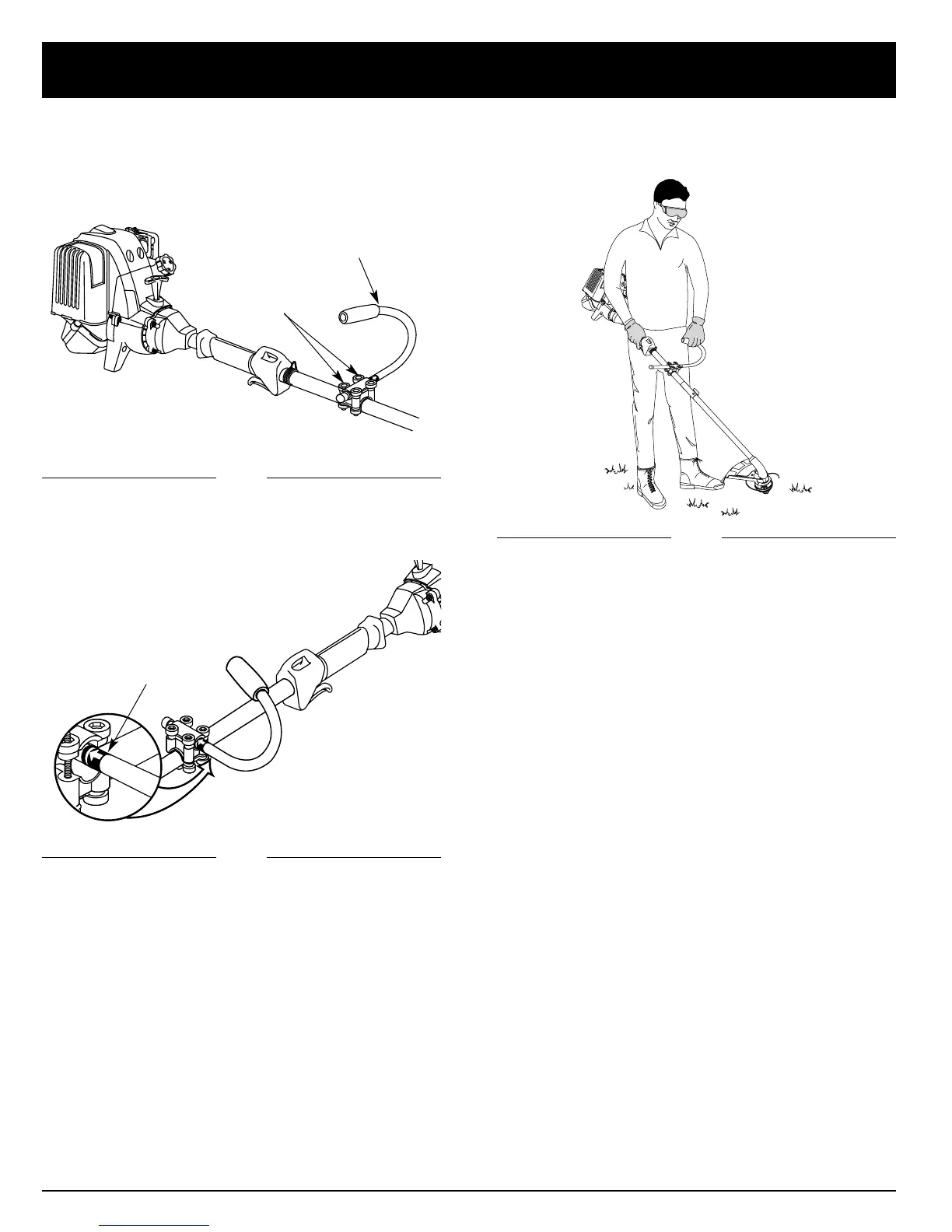
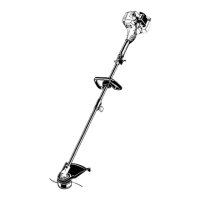
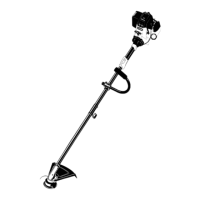
3. While holding the unit in the operating position
(Fig. 3), position the J-handle to the location
that provides you the best grip.
Decal
ADJUSTING THE J-HANDLE
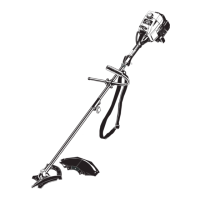
1. Loosen the four (4) screws holding the J-handle in
place (Fig. 1). Do not completely remove the screws.
(4) Screws
J-Handle
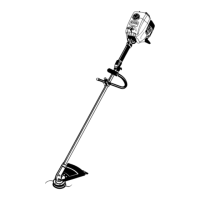
2. Slide the J-handle in or out until the arrow/white line
on the decal touches the clamp assembly (Fig. 2).
Fig. 1
Fig. 2
Fig. 3


 To Next Page