5
REMOVING AND CLEANING/REPLACING THE FILTER
See Figure 7
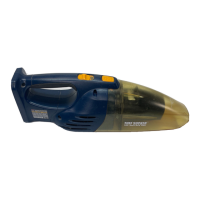
■ Remove the battery pack from the vacuum.
■ Remove the filter by pressing the tabs inward and
lifting the filter out of the screen assembly.
■ Shake or lightly brush any dust or dirt off the filter.
■ Shake or lightly brush any dust off the screen and
screen assembly. Wash if necessary.
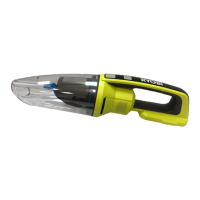
■ Empty the dust bowl; wash if necessary. Before
reattaching to the hand vacuum, make sure all pieces
are completely dry.
When purchasing replacement fi lter, request recommended
part number 019484002004.
REATTACHING THE DUST BOWL
See Figure 8
■ Position the two sections as shown. Align the slot on
the bottom of dust bowl with the tab on the bottom of
motor housing, then snap the two sections together.
ENVIRONMENTAL PROTECTION
Recycle raw materials instead of disposing
as waste. The machine, accessories and
packaging should be sorted for
environmental-friendly recycling.


 To Next Page