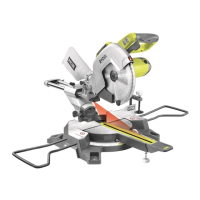
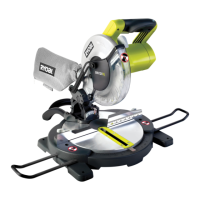
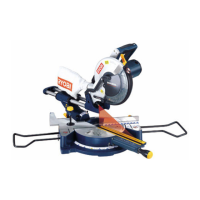
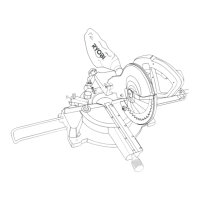
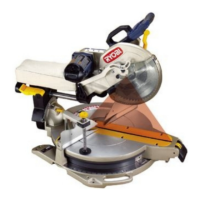
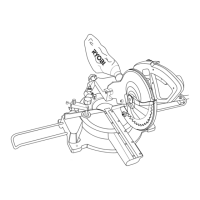
Fig.29
Material
Supports
Material
Supports
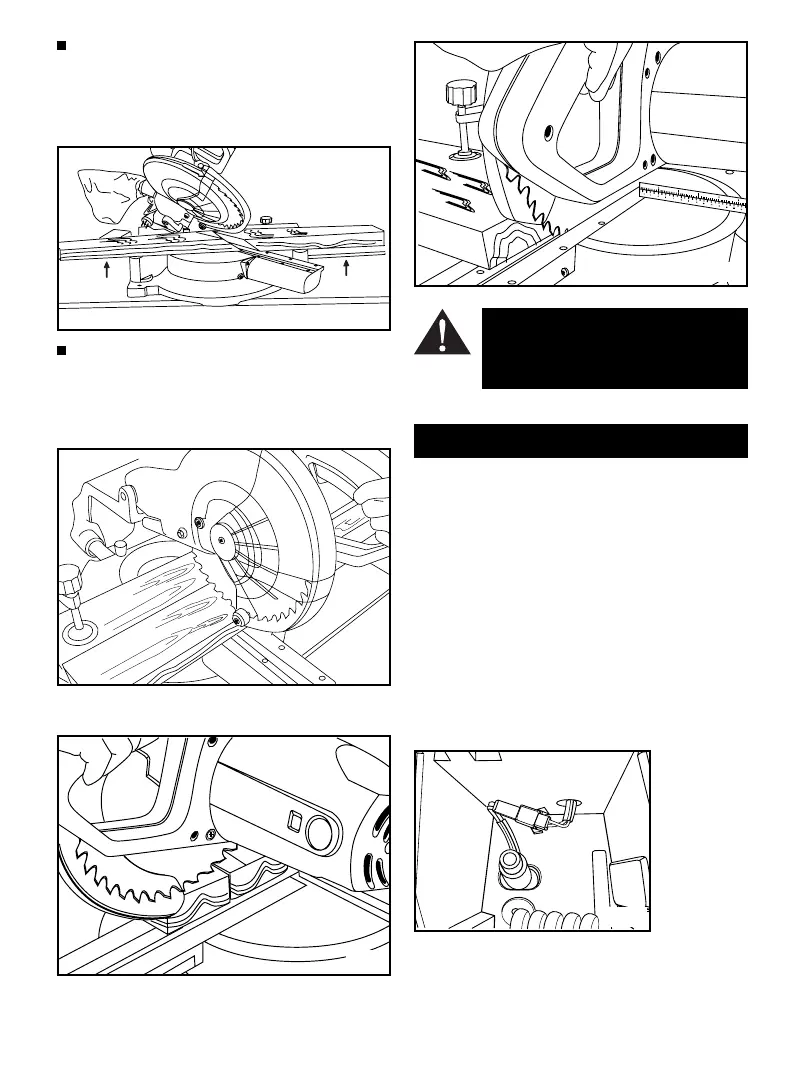
SUPPORT LONG WORKPIECES (Fig.26)
The two material supports are designed to support timber so
it does not sag. The material supports should let the
workpiece lay flat on the base of the saw and the work table
during the cutting operations. Use the vice of clamp the
workpiece.
CUTTING LARGER WORKPIECES WITH SLIDE ACTION
When cutting large workpieces with the slide action, the
workpiece is placed squarely against the rear fence and is
firmly locked in the vice.
Grasp the saw handle firmly, press down the lock-off switch
and depress the trigger switch. (Fig.27)
Slide the cutting head away from the rear fence to the outer-
most position. (Fig.28)
Slowly lower the blade into and through the workpiece and
push the blade through the timber towards the rear fence.
(Fig.29)
WARNING: Never place undue force on the
saw handle in a right or left direction as this will
misalign the head and result in an inaccurate
cut.
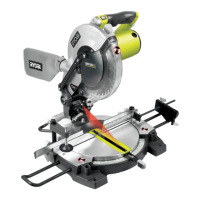
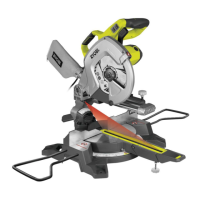
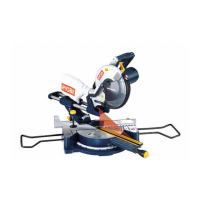
LASER BEAM (Fig.30)
The light from the laser beam allows you to line up precisely
the cutting angle and the exact position of the workpiece on
the bench.
The laser beam can be switched on as requiredd:
Press laser on/off switch to turn the laser on and press the
switch again to turn the laser off.
The network cable supplies power to the laser. The laser beam
should be aligned before being used for the first time.
•
Set bench to angle position 0˚.
•
Loosen off laser-alignment screw slightly.
•
Switch the laser on and aligh the beam so that it points
exactly at the 0˚ gauge mark of mitre cut adjuster.
LASERLASER
LASERLASER
LASER
Fig.26
Fig.28
Fig.27
LASER
Fig.30
Page 12


 To Next Page