18 - English
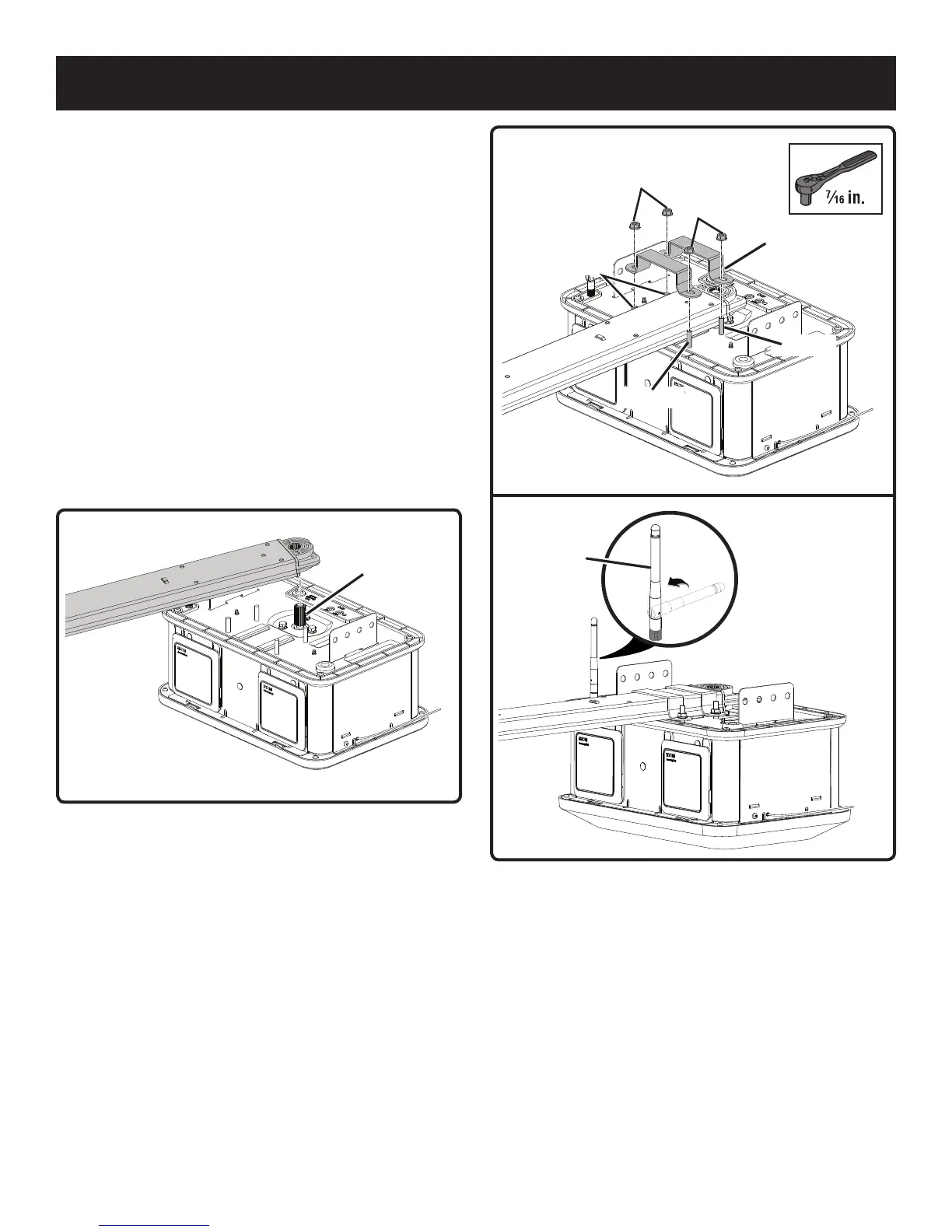
Hold the rail assembly above the sprocket on the power
head.
Rotate the rail assembly until the opening in the rail is
aligned with the sprocket.
Lower the rail assembly onto the sprocket with the
channel (open end) facing down. Slowly rotate the rail to
the correct orientation as you lower it into position.
When installed correctly, the teeth on the sprocket should
engage the rail assembly and the rail should sit flat on the
power head.
Place the brackets on top of the studs, and over the end
rail.
Place nuts onto the studs and tighten using a 7/16 in.
socket. Do not overtighten.
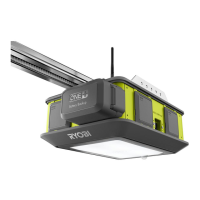
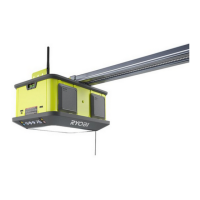
Remove the tape securing the Wi-Fi antenna and raise it
to an upright position to ensure the best Wi-Fi signal.
NOTE: Ensure that the antenna is screwed into the power
head securely.
ASSEMBLY
Fig. 24
Fig. 23
Fig. 25
Front of
Power Head
Nut
Nut
Bracket
Stud
Stud
Sprocket
Stud
Wi-Fi
Antenna


 To Next Page