EasyManua.ls Logo

Ryobi RDP102L - User Manual

Ryobi RDP102L
22 pages
Print Icon
To Next Page IconTo Next Page
Loading...
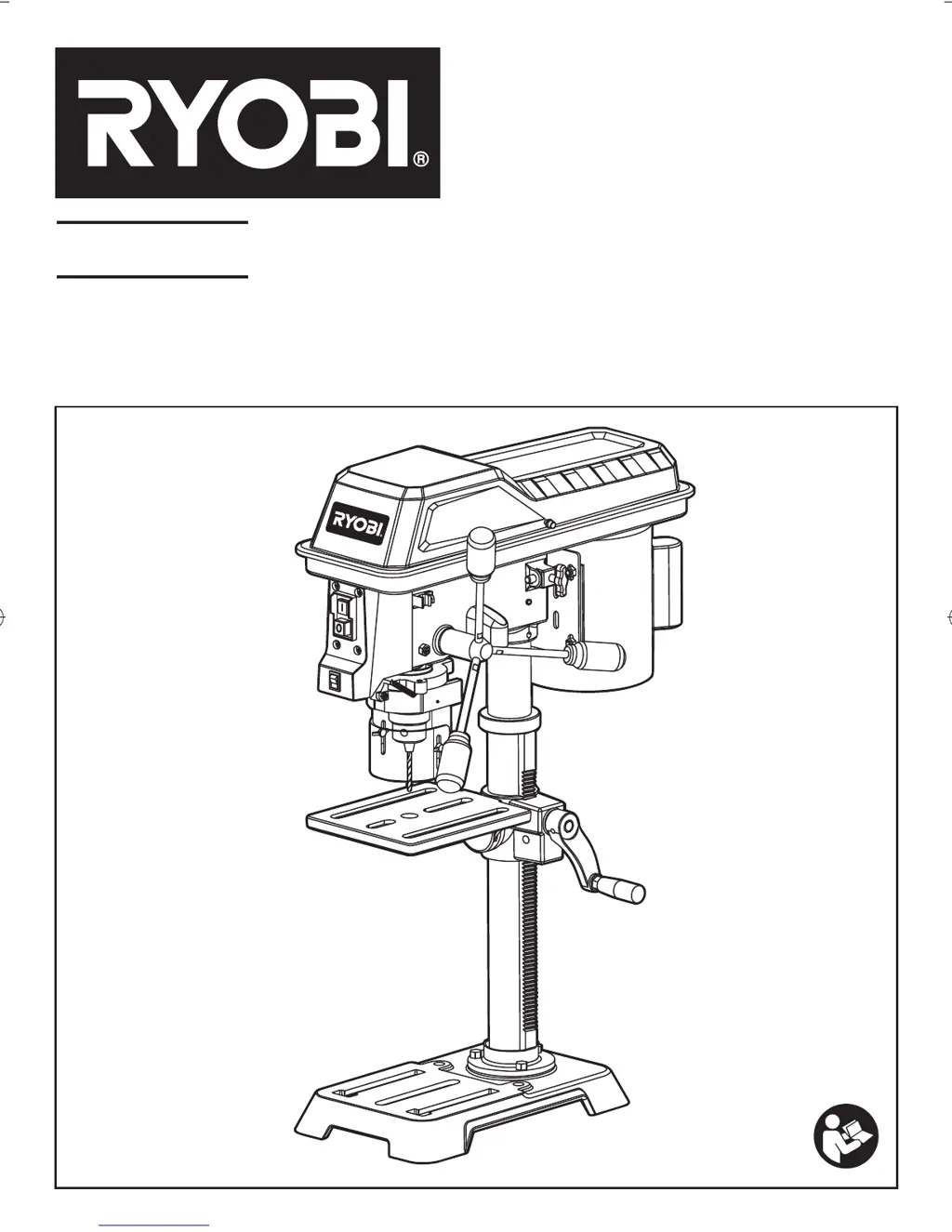
RDP102L
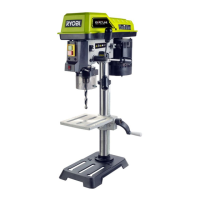
254MM (10”) DRILL PRESS WITH LASER
OPERATOR’S MANUAL

Other manuals for Ryobi RDP102L

Questions and Answers

  • M
    Michele WhiteSep 3, 2025
    Why is the drilled hole not round when using my Ryobi Impact Driver?
    • A
      Alexandria DavenportSep 3, 2025
      If you're experiencing run out of the drill bit point, resulting in a non-round drilled hole with your Ryobi Impact Driver, it could be due to hard grain in the wood or unequal lengths of cutting routes and/or angles. Resharpen the drill bit correctly. Alternatively, the drill bit may be bent, in which case it should be replaced.
  • E
    Eric HaydenSep 1, 2025
    What to do if the drill bit binds in the workpiece with my Ryobi Impact Driver?
    • J
      Jamie MorganSep 1, 2025
      If the drill bit binds in the workpiece when using your Ryobi Impact Driver, it could be due to the workpiece pinching the drill bit or excessive feed pressure; support or clamp the workpiece. Improper belt tension can also cause binding; adjust the tension accordingly.
  • S
    Sydney PierceAug 31, 2025
    Why does my Ryobi Impact Driver have excessive drill bit runout or wobble?
    • A
      Anna SantosAug 31, 2025
      Excessive drill bit runout or wobble in your Ryobi Impact Driver can stem from several issues. The drill bit might be bent, in which case you should use a straight drill bit. Worn bearings could also be the culprit, requiring replacement. Ensure the drill bit is correctly installed in the chuck, or that the chuck itself is properly installed.
  • J
    Jessica HoustonAug 29, 2025
    What to do if the drill bit burns when using my Ryobi Impact Driver?
    • J
      Joel ColeAug 29, 2025
      If the drill bit of your Ryobi Impact Driver is burning, consider the following possible causes and solutions: * The speed may be incorrect, so adjust it. * Chips may not be coming out of the hole; retract the drill frequently to clear them. * The drill bit may be dull; resharpen or replace it. * Feeding may be too slow; increase the feed rate to allow the drill to cut. * The drill bit may not be lubricated; lubricate it.
  • D
    Deanna DanielAug 27, 2025
    Why is my Ryobi Impact Driver so noisy?
    • P
      patrickgutierrezAug 27, 2025
      If your Ryobi Impact Driver is operating noisily, several factors could be the cause. It might be due to incorrect belt tension; in this case, adjust the tension. The spindle may be dry, requiring lubrication. Also, the spindle pulley or motor pulley could be loose. Check the tightness of the retaining nut on the spindle pulley and tighten if needed, or tighten the set screw in the motor pulley.
  • J
    jenniferdavisAug 27, 2025
    How to fix run out of Ryobi RDP102L bit point?
    • D
      Donna JohnsonAug 27, 2025
      If you notice run out of the drill bit point resulting in a hole that isn't round when using your Ryobi Drill, it could be due to hard grain in the wood or unequal lengths of cutting routes and/or angles. Try resharpening the drill bit correctly. Also, the drill bit might be bent, so replace it if necessary.
  • J
    Jeff HerreraAug 25, 2025
    Why Ryobi Chuck will not stay attached to spindle?
    • J
      Jennifer CruzAug 25, 2025
      If the chuck of your Ryobi Drill won't stay attached to the spindle, it's likely due to dirt, grease, or oil on the tapered inside surface of the chuck or on the spindle’s tapered surface. Clean both tapered surfaces using a non-alcohol based cleaner to remove any contaminants.
  • L
    Latoya MunozAug 22, 2025
    How to fix excessive Ryobi Drill bit runout or wobble?
    • L
      Lisa HardyAug 23, 2025
      Excessive runout or wobble in your Ryobi Drill bit can stem from a few issues. The drill bit might be bent, so use a straight drill bit. Worn bearings can also cause this, so consider replacing them. Ensure the drill bit is properly installed in the chuck, and also check that the chuck itself is correctly installed.

Summary

General Power Tool Safety Warnings

Safety Rules and Electrical

Special Safety Rules

Specific safety guidelines for using the drill press to avoid hazards.

Electrical Connection

Requirements for connecting the drill press to a power supply.

Carton Contents and Assembly

Assembling Column to Base

Steps to attach the column assembly to the base.

Installing Table to Column Assembly

Guidance on attaching the table, rack, and worm gear.

Laser Alignment

Adjusting Laser Lines

Operation

Bit Installation and Depth Control

Basic Drilling and Operator Protection

Positioning Table, Workpiece, and Holding Location

Tilting the Table

Feeding and Maintenance

Trouble Shooting

Ryobi RDP102L Specifications

General IconGeneral
Product typeDrill stand
Product colorBlack, Grey, Steel
LeverYes
Chuck typeKey
Control typeButtons, Lever
Drill table tilting0 - 45 °

Related product manuals