15
• To stop a paused exercise session via the App, tap
and hold on the stop button ‘
’ for 2 seconds.
• To resume a paused exercise session via the App, tap
on the resume button ‘
.’
NOTE: Exercise needs to last for more than 1 minute
before its data will be saved to create an exercise
record.
10.2.4 SETTING AN EXERCISE TRAINING GOAL
In the ‘Exercise’ menu, tap the upper right setting icon'
.' Tap on ‘Training Goal.’ In the sub menu, select a
type of goal from Distance, Calories, Steps or Duration.
10.2.5 SETTING A DISTANCE ALERT
In the ‘Exercise’ menu, tap the upper right setting icon
'
.' In the sub menu, tap on ‘Sound Alert’ and select a
distance for the alert.
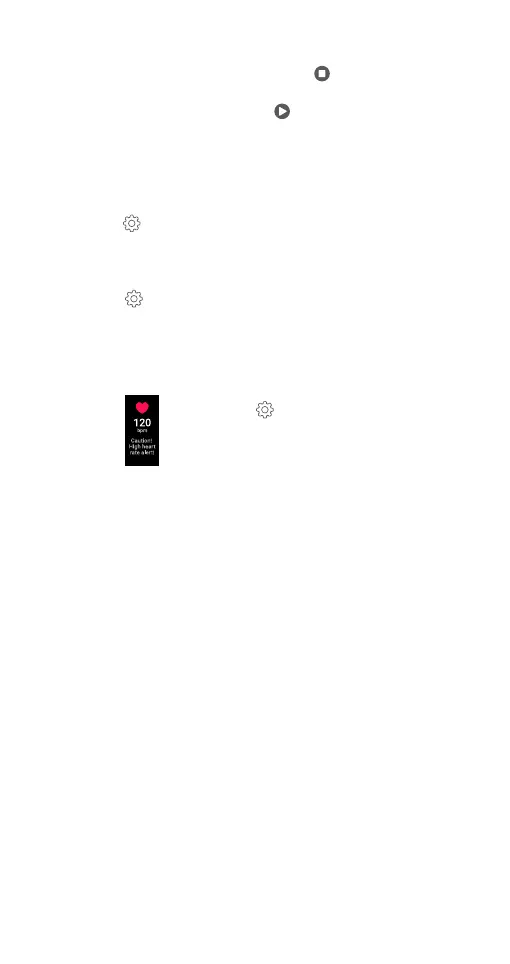
10.2.6 SETTING A HEART RATE ALERT
To set a high heart rate alert during an exercise session,
follow the below steps:
In the ‘Exercise’ menu, tap the upper right
setting icon '
'. Tap on ‘Heart Rate Zone.’
Slide the button next to ‘High HR Alert’ to the
ON position.
10.3 DEVICE MENU AND SETTING WATCH PREFERENCE
The ‘Device’ menu in the App is where you can easily set up
preferences for the Ryze Elevate Smart Watch connected to
the App, including:
• Optional watch faces, health tracking function,
reminders, alarms, notifications.
• Do not disturb mode, in-watch sport modes, motion
activated screen, screen brightness and more.
You can also pair a new watch to the App via the ‘Device’ menu.
10.3.1 PAIRING A NEW WATCH
Please refer to section "8.2 PAIRING THE WATCH WITH
THE APP” for detailed pairing instructions.
10.3.2 CHANGING THE WATCH FACE
You can change the watch face for the Ryze Elevate
Smart Watch, when connected to the App.
In the ‘Device’ menu, tap on ‘Watch Face Market.’
Select ‘More.’ Choose from the watch face options,
which are available online. Next, tap ‘Add and Install.’
The chosen design will be loaded onto your Ryze Elevate
Smart Watch.


 To Next Page