32
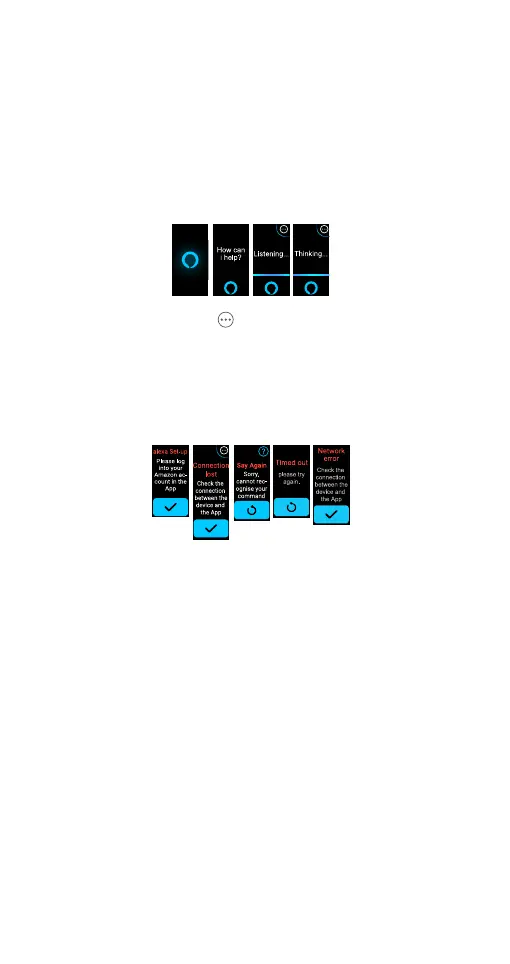
• Tap on the Alexa icon.
• When the screen displays 'how can I help' after 1
second, it confirms that a proper connection for the
voice service is established.
• When the screen displays 'Listening…', it indicates the
watch is listening to your request. Speak (enunciate)
your voice command to the watch.
• When the screen displays 'Thinking…', it indicates the
system is analysing and processing your request.
• Tap the icon
to reveal set alarm, timer and
reminder.
The result of your request will be displayed in text on the
screen, or the associated App will be launched.
A corresponding prompt will be displayed on the screen
when the Alexa account is not logged in the Ryze
Connect App or if it is compromised in anyway.
NOTE: Saying ‘Alexa’ will not activate the Alexa function on the
Ryze Elevate Smart Watch . You must first activate Alexa
via the App, and turn on the microphone in the watch.



 To Next Page