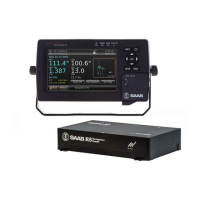
R5 SUPREME - Navigation System
CONFIGURATION
7000 118-301, A3 Page 40
different configurations with either an R4 GPS sensor or an R4 DGPS sensor. It is up
to the user to specify which equipment is connected to the R5 SUPREME CDU.
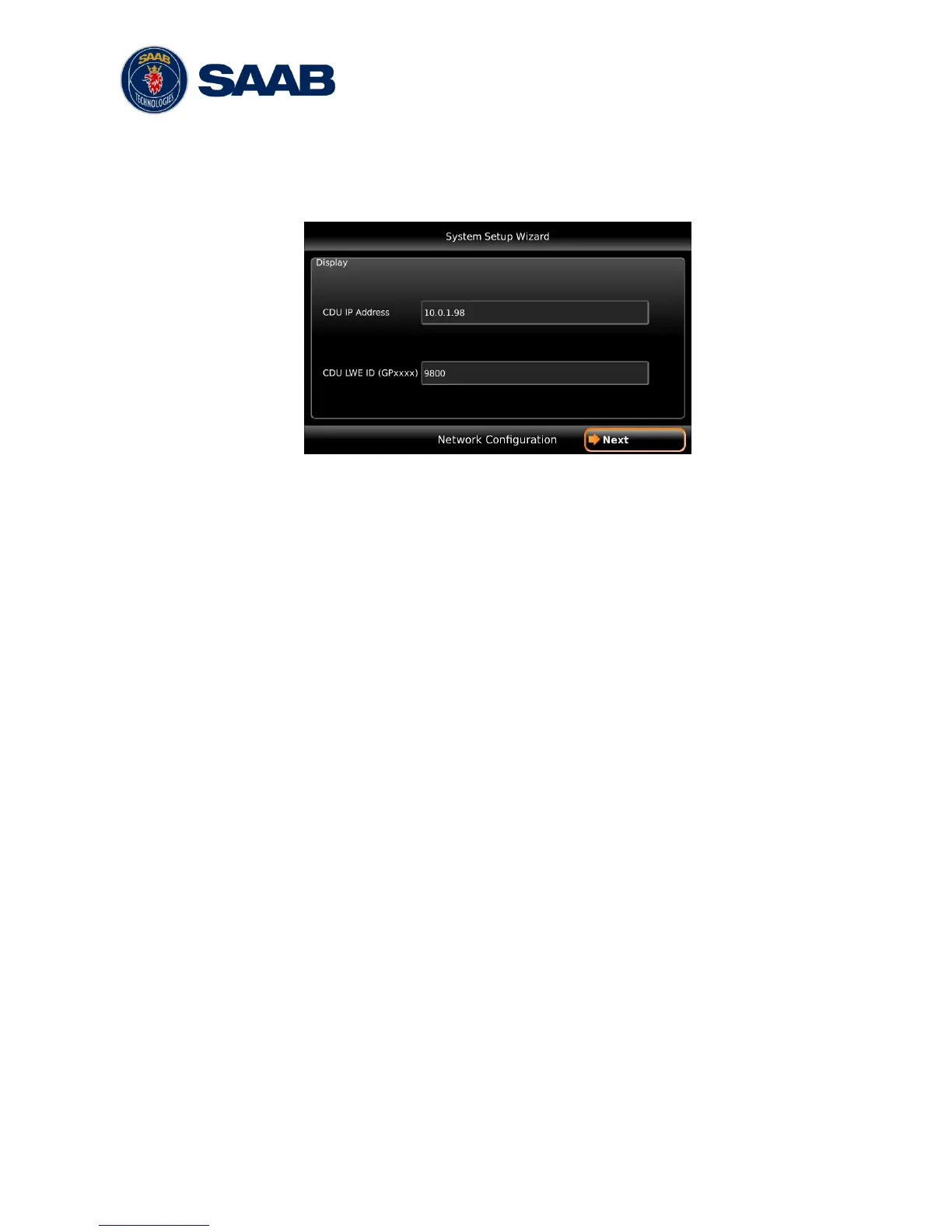
4.1.3 Network Configuration
Figure 12 – Network Configuration
The R5 SUPREME CDU uses Light Weight Ethernet (LWE) to communicate with the
R5 SUPREME Transponder as well as other R5 SUPREME CDU units in multi display
or redundant configurations. It is therefore necessary to configure an IP number and a
Light Weight Ethernet network ID for the R5 SUPREME CDU. The LWE ID consists of
two letters (always ―GP‖ for the R5 SUPREME CDU) and four digits. The LWE ID must
be unique for all equipment connected to the LWE network.
4.1.4 Select CDU Master (Slave Mode Only)
If the R5 SUPREME CDU is configured to be used as a slave display to an existing R5
SUPREME Navigation system, the master CDU must be selected on the LWE network
in order to receive GPS data and synchronize waypoints, routes and configurations.
Make sure that the master R5 SUPREME Navigation System is powered on and is
connected to the LWE network. On the slave display, press the button ―Refresh List‖ in
the Select CDU Master view to search for R5 SUPREME CDU units on the LWE
network. Select the R5 SUPREME CDU that shall provide GPS data to the slave unit
and press ―Next‖.
Note: The master R5 SUPREME CDU must also be configured to provide GPS data
on the LWE network and the slave unit must be selected in the master R5 SUPREME
CDU‘s Redundant Nav view in order to synchronize the databases between slave and
master unit. For a more detailed description how to connect and configure multi display
and redundant systems, see chapter 6.


 To Next Page