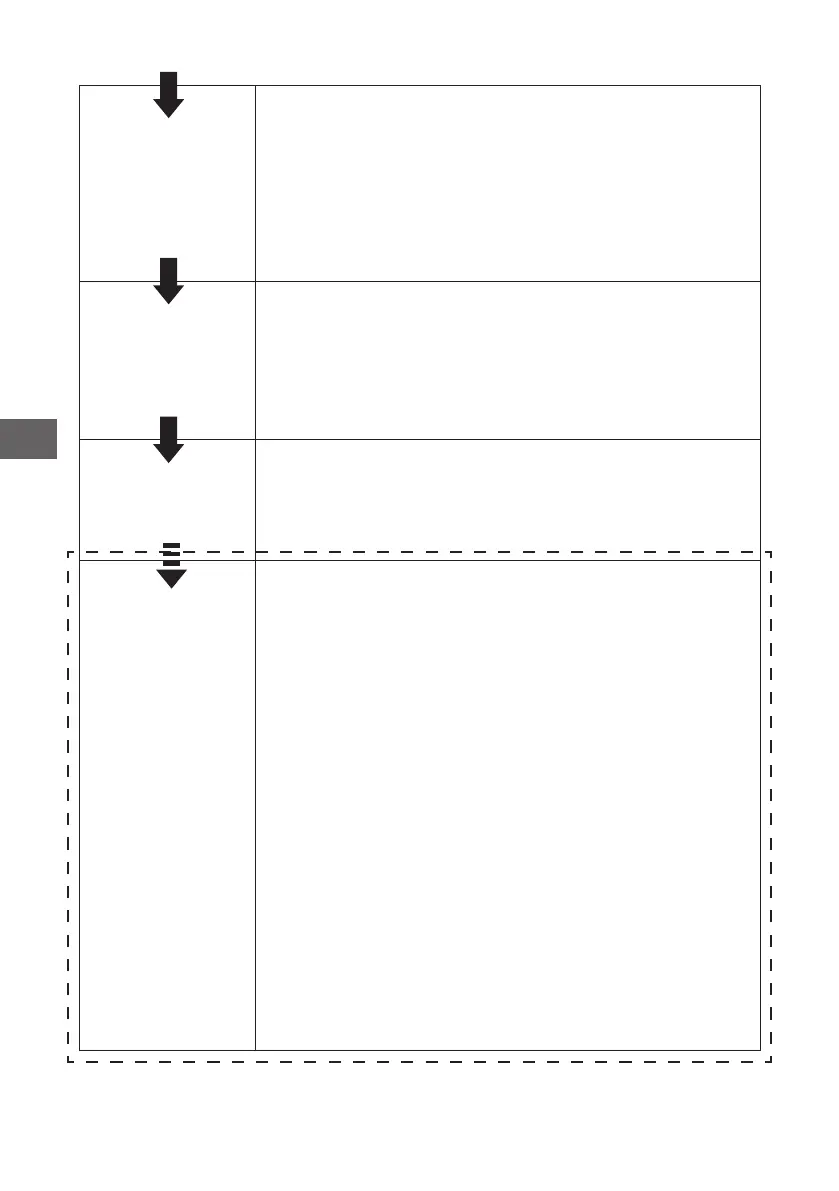
Load the bas-
kets
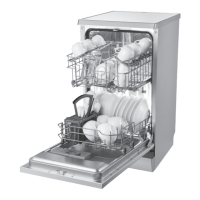
Scrape o any large amount of leftover food.
Soften remnants of burnt food in pans, then
load the baskets. Refer to the dishwasher load-
ing instructions.
Select a pro-
gramme
Press the programme button until the selected
programme lights up. (See the section entitled
“Operation instruction”)
Running the
dishwasher
Close the door, turn on the water tap. The
machine will start working.
Changing the
programme
1. A running cycle can only be modied if it
has been running for a short time. Other-
wise the detergent may have already been
released and the water already drained.
If this is the case, the detergent dispenser
must be relled.
2. Open the door slightly, then press the
program button more than 3 seconds to
cancel the running programme.
3. Select a new programme.
4. Close the door, restart the dishwasher.
8
GB


 To Next Page