Turning On the Appliance
Starting a cycle wash
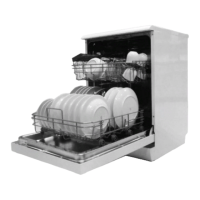
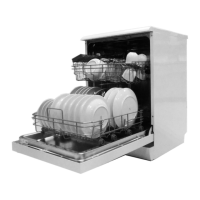
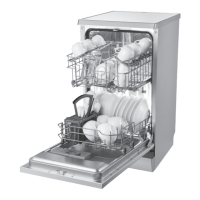
1. Draw out the lower and upper basket, load the dishes and
push them back.
It is commended to load the lower basket rst, then the up-
per one (see the section entitled “Loading the Dishwasher”).
2. Pour in the detergent (see the section entitled “Salt, Deter-
gent and Rinse Aid”).
3. Insert the plug into the socket. The power supply is 220-240
VAC /50 HZ, the specication of the socket is 10A 250VAC.
Make sure that the water supply is turned on to full pressure.
4. Press the program button, the wash program will be
changed as follows direction:
ECO->Glass->90min->Rapid->Soak->Auto->lntensive-
>Universal;
5. If a program is selected, the response program indicator
will light, then you can also choose the desired function,
close the door, the dishwasher will begin work after about 1
seconds.
Auto Open
After washing, the door will open automatically to achieve better
drying eect.
30
GB


 To Next Page